 Ortho BOM and COG
AutoCAD Features AutoCAD New Features Overview.
P&ID Line Groups
It is now easier to manage line groups and line numbers (line group tags). The new way groups are assigned also helps prevent accidental changes to the group when you edit line segment tags.
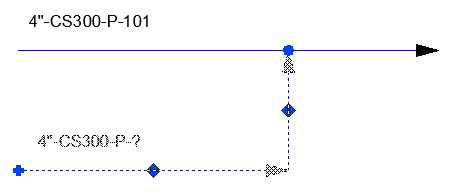
For more information, see About P&ID Line (SLINE) Grouping.
Fixed Length Piping
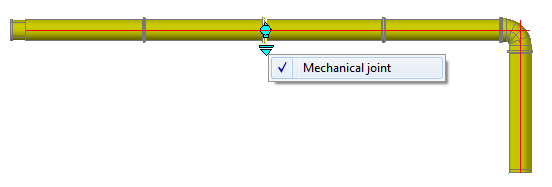
You can now route fixed-length piping in the 3D model. Pipe segments are automatically created and connected as you route pipe. Fixed-length piping is enabled from the piping spec.
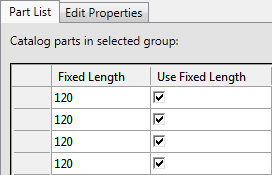
You can use the Spec Editor to set Use Fixed Length and Fixed Length properties in the project's piping spec. The fixed-length properties are not new to 2015, however they must be set to enable the new fixed-length pipe routing features. For more information, see About Fixed Length Piping.
Pipe Routing
A new Minimum Cut Length property specifies the minimum pipe segment length created when routing pipe. You can specify a different maximum (Fixed Length) and minimum (Minimum Cut Length) for each size of pipe in the spec. The Fixed Length property is used when routing fixed-length pipe. The Minium Cut Length specifies the smallest segment allowed (which is important to fixed-length piping, but all piping is affected).
Ortho and Iso BOM
Bill of Materials reports allow you to list each length of fixed-length piping on a separate line item.

For more information see Settings Tab (Table Setup Dialog Box).
Piping with an Existing status is no longer included in an Ortho BOM. For more information see PLANTORTHOBOMSHOWEXISTING.
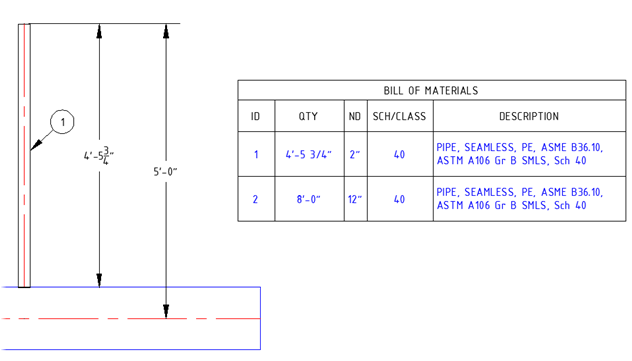
Stub-in connections now display the cut-back length in both the Ortho drawing and the 3D Model.
Ortho Bill of Material (BOM) tables
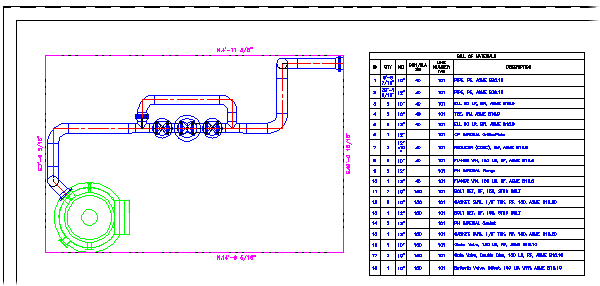
You can now create a BOM table for an ortho view. Piping and pipe supports are listed in the Ortho BOM table.
For more information, see About Ortho Bill of Material (BOM).
Center of Gravity (COG)
A new Analysis tab has been added to the Ribbon which works with weights and COG for piping, pipe supports, equipment, and structure.
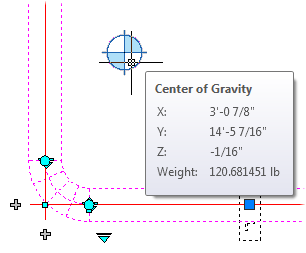
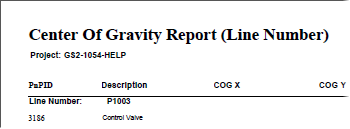
For more information, see About Center of Gravity (COG).
Isometric Improvements (Isos)
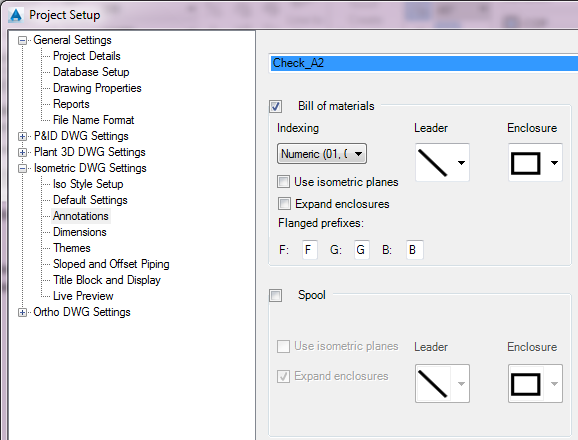
You can now set default values for advanced options (such as congestion level) for the project.
Placement of dimensions and annotations has been improved to reduce crossings.
New Content Packs
Content packs are now available in the AutoCAD Plant 3D App Store under Catalogs & Specs.
Specs that include weight and support fixed-length piping are available on: Autodesk Exchange Apps.
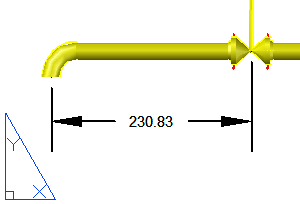
Associative Dimensions
Plant SDK (Developer)
Developers can now create and connect equipment and sline components in P&ID drawings using new high-level APIs.
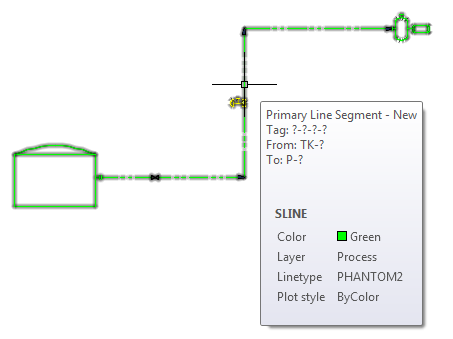
A new CreateSline sample project is provided to create the line shown above.
Download the Plant SDK from the Autodesk Developer Network here: http://www.autodesk.com/developautocad.