Publishing & Sharing
Your projects can be published at any point to ReCap 360's web portal through the tool in ReCap's main menu.
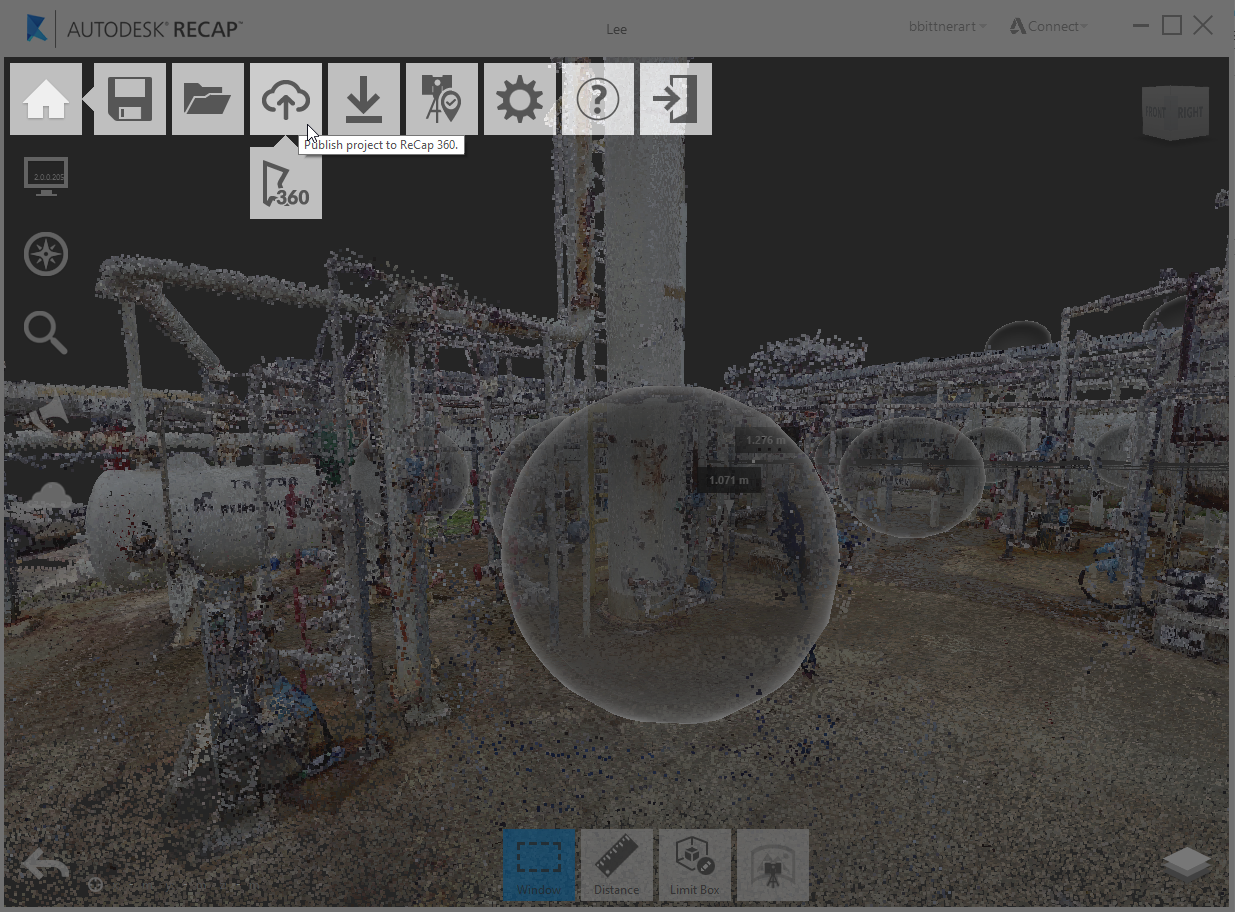
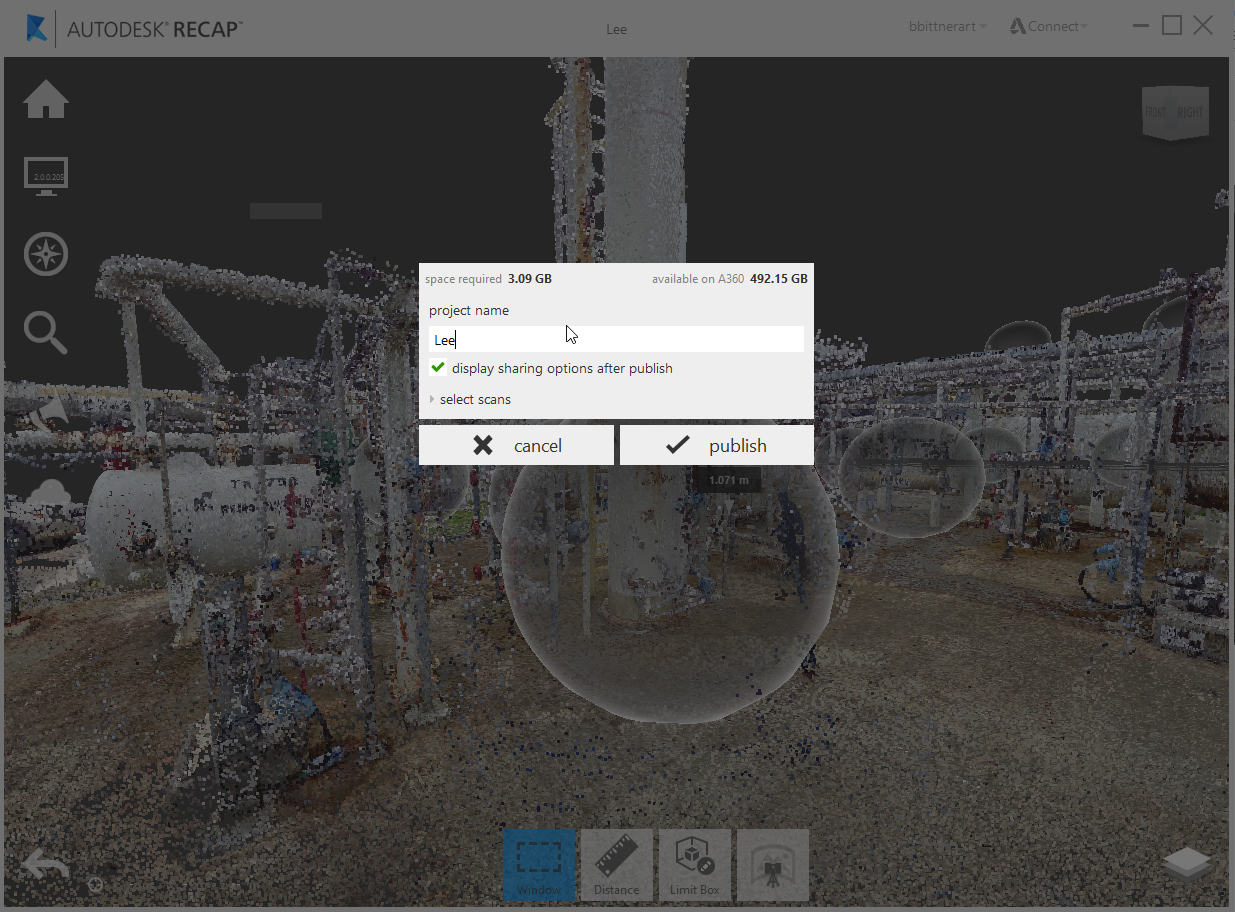
Once selected, you'll be given feedback on the necessary space required and given options to name your project as well as select a subset of scans if you desire.
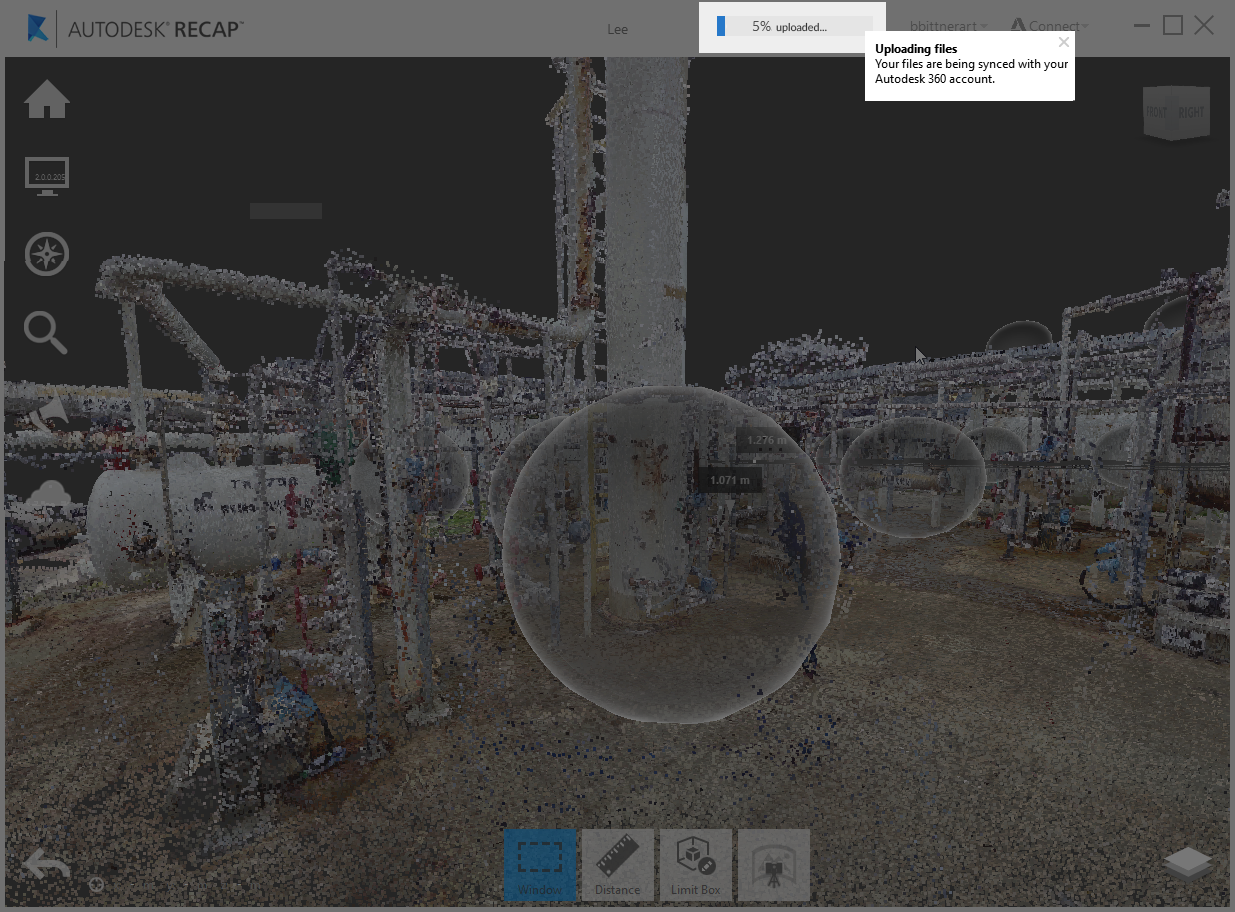
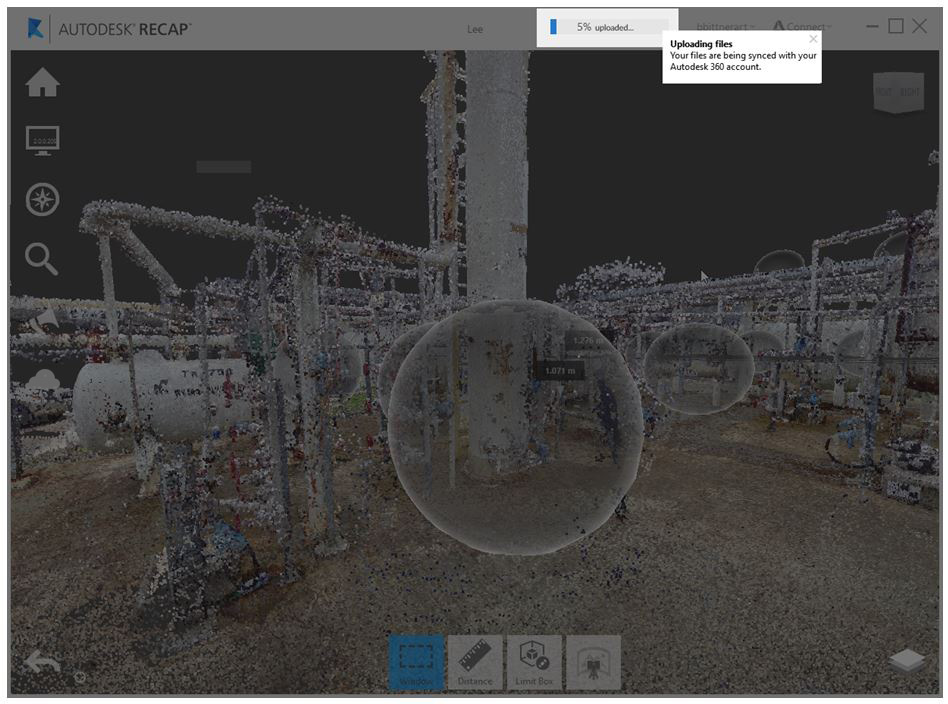
Feedback on upload progress is available in the title bar.
Once published you can view and share your projects with collaborators through the desktop application or through the ReCap 360 website. Desktop access can be found through the main menu.
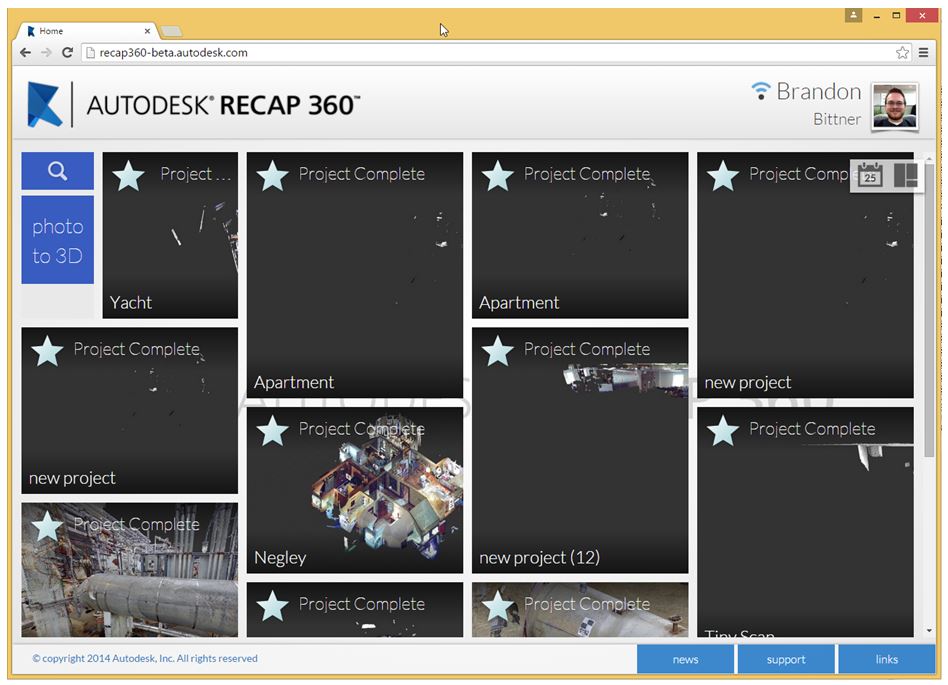
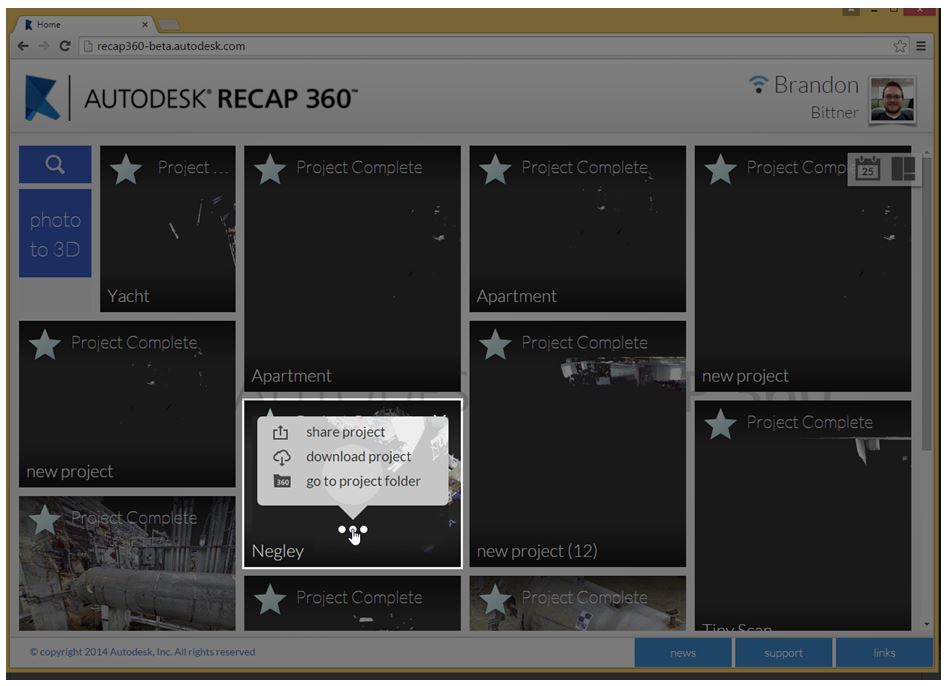
Once logged in your projects are available in list view from your dashboard. Hovering on any of the projects provides a list of contextual tools. This is where you can find options for sharing and managing the projects.
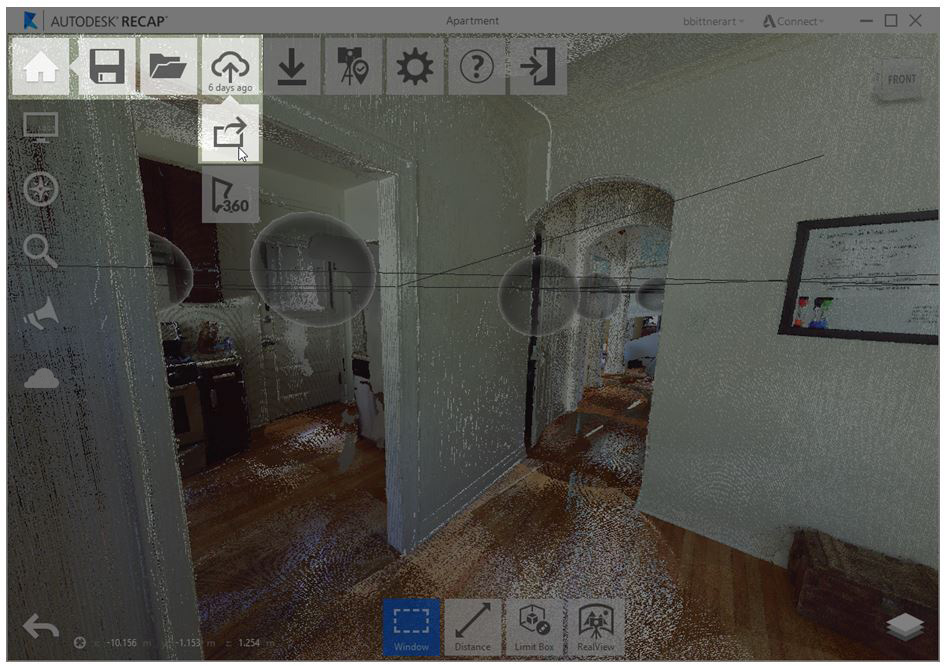
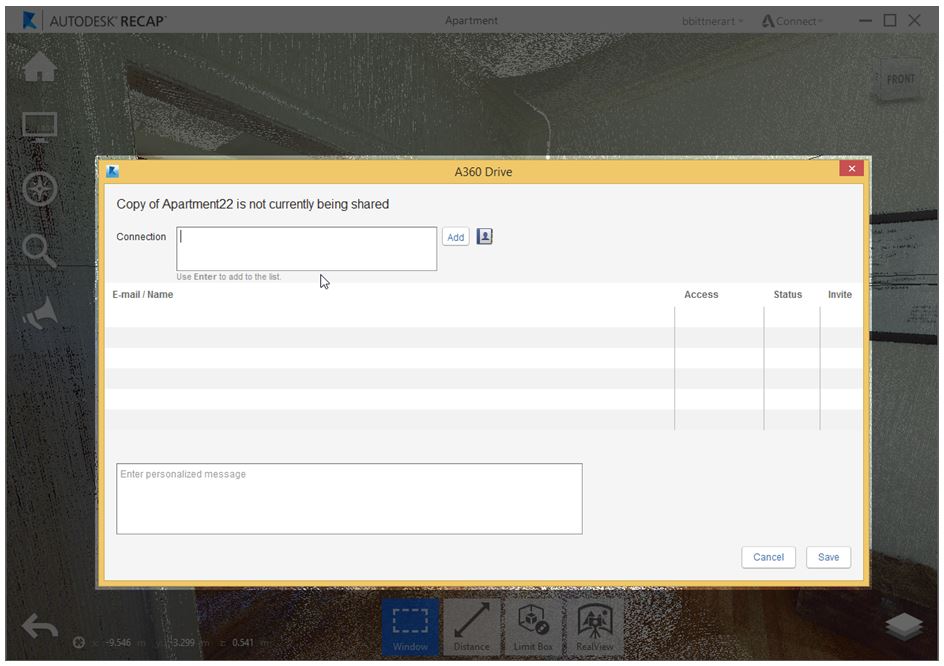
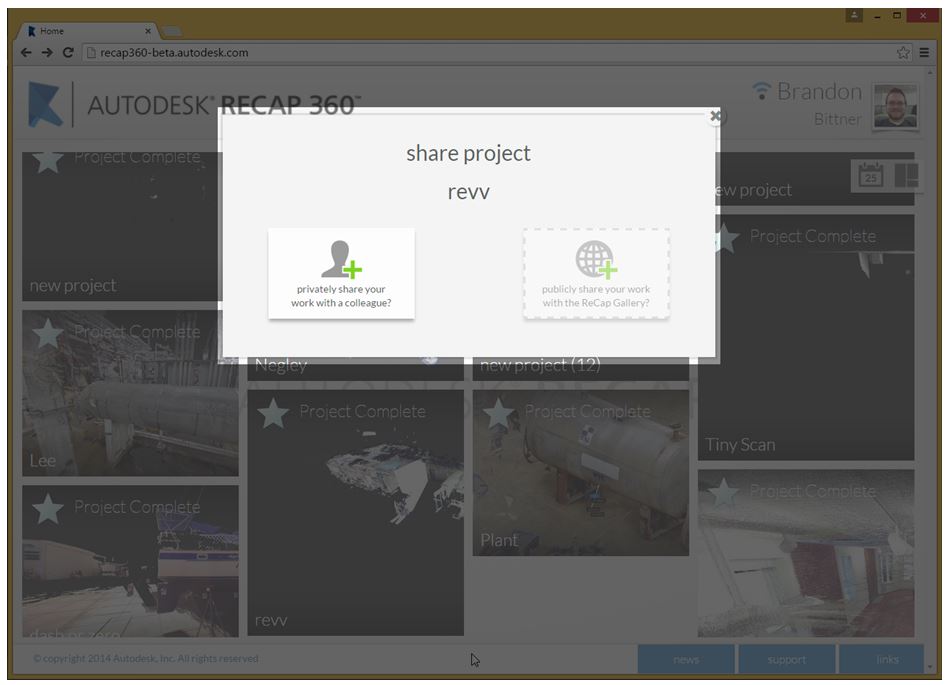
The share dialog will let you add collaborators with the current project.
For the web, simply login to gain access to your projects from your dashboard.
Hovering on any of the projects provides access to a list of contextual tools.
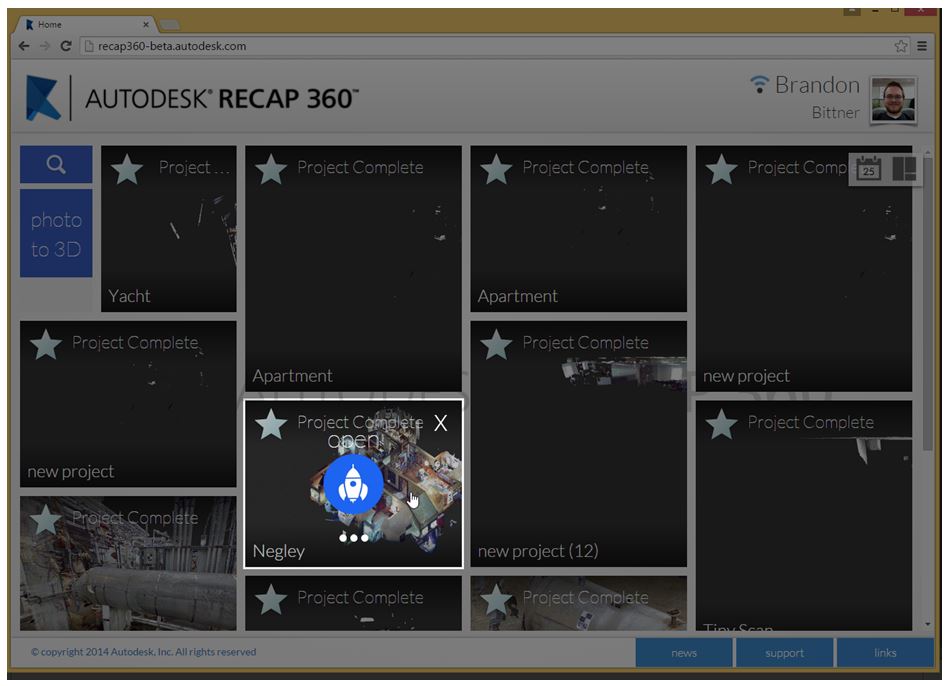
Here you can also find options for sharing and managing the projects.
With the sharing dialog open, enter the email addresses of the collaborators you want to add to the project. Once the invitation has been sent they will have access to the document for view and collaboration through the web.
Changes made on desktop or web can be synced between the two by the project owner allowing for rapid collaboration between multiple team members across platforms.