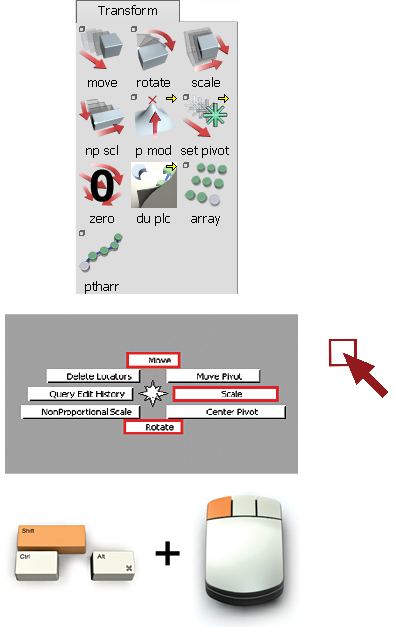
There are numerous transform tools in the Palette. The primary tools are Move, Rotate, and Scale, which can also be found in the default marking menu.
When you choose one of these transform tools, the tool remembers the last pick mode that you used. Effectively, these tools are combined selection/transform tools. Holding the Shift key and clicking allows you to add and remove items from your selection. It is a good practice to keep your cursor away from objects when moving, to prevent accidentally selecting and moving the wrong object.