
|
A quick way to get a starting surface is to use a primitive Plane to create a degree 3 (order 4) patch. 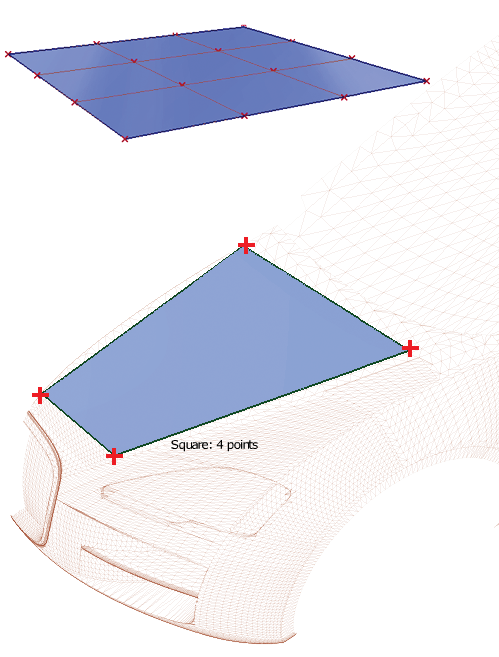 |

|
The only tool that creates a surface from corner points is Square. You need to specify four points, and these can be placed freely on a work plane, curve snapped (Ctrl + Alt on Windows, Control + Command on Mac) to raw or scan data, or snapped to existing geometry. |

|
The Surface Edit |

|
The Point Cloud palette has tools for creating surfaces on raw data. |
