Curve-based surface creation tools can be used to create the primary surfaces of your object.
 |
 |
 |
|
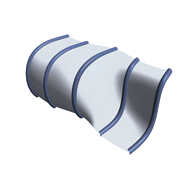
Create a skin across multiple curves. |
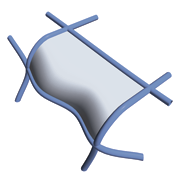
Fill in boundaries defined by connecting curves. |
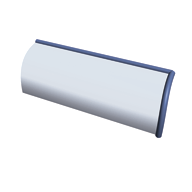
Extrude profiles freely or along path curves to create sweeping surfaces. |
 |
 |
|
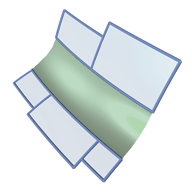
Primary surfaces can be blended with secondary surfaces (also known as transition surfaces). In Alias, transitions can be created with regular surface tools, as well as specific filleting and blending tools. |
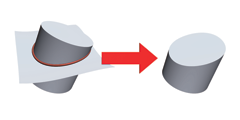
Surfaces of any shape can be obtained by modifying existing surfaces. A set of trim tools allows you to cut back surfaces using other surfaces or curves to define the trim parameters. |
 |
 |
|
Surfaces can be intersected, creating curves-on-surface. The curve-on-surface can be used to build from as well as define regions to trim. |
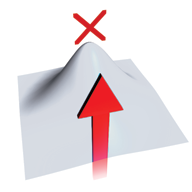
Another approach is to manipulate CVs on surfaces. This technique is called Direct Modeling. |