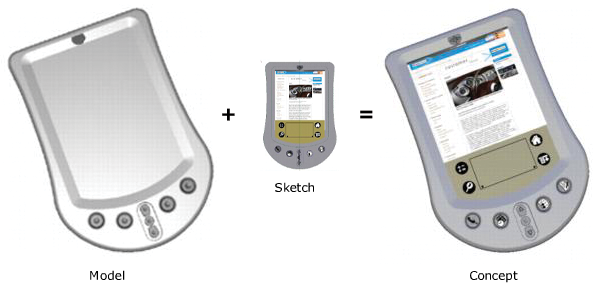
The sketching environment allows you to sketch freely with high-quality pencils, brushes and markers. Geometry elements (curves, surface edges and isoparametric curves) can be used as guides to generate precise lines or to create masks.
You can sketch in the default application mode, but the optimized Paint workflow reduces screen clutter and provides a special 2D Paint window used especially for sketching. Click the Paint icon on the launch screen when starting Alias. (If you are already in the application, choose Preferences WorkflowsPaint, then LayoutsPaint, and CanvasNew Canvas.)
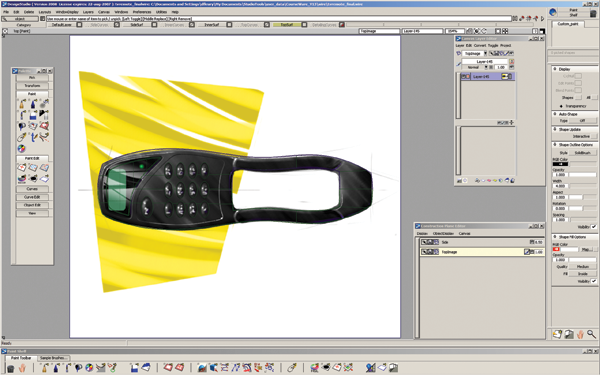
Sketching tools can be used to make notes to yourself, or to communicate with team members or clients. Sketches can be drawn over or mapped to 3D geometry for quickly adding details, or evaluating design alternatives.