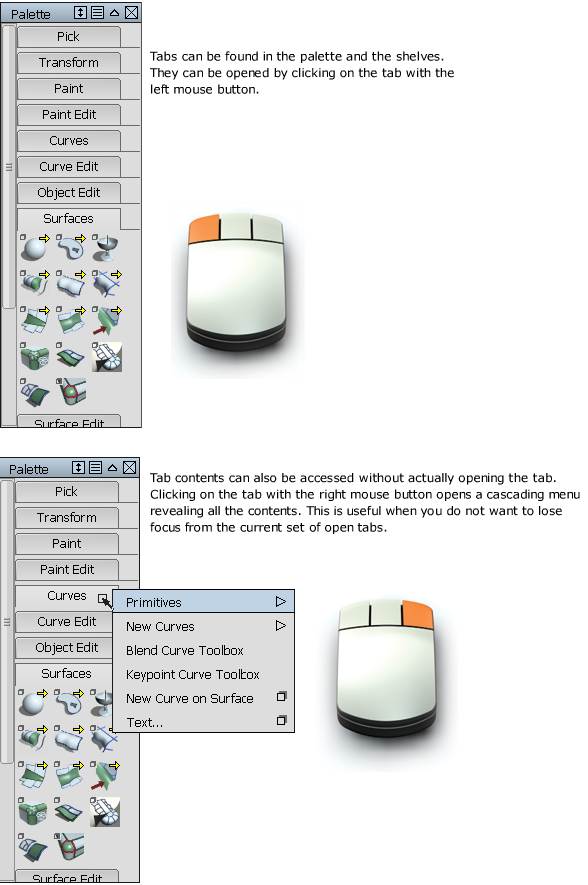
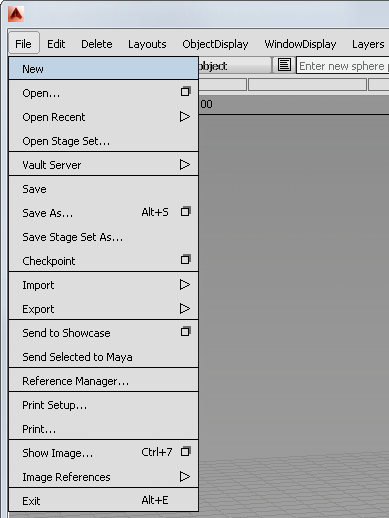
The menu bar contains a series of pull-down menus. Each menu contains a group of related commands.

|
This symbol indicates that an item has an associated option window or editor. To open, click on the icon. You will see this symbol in the menu pull-down as well as the palette and shelf. |

|
This symbol indicates a submenu. Click and hold on icons that have this symbol to open a cascading list. |

|
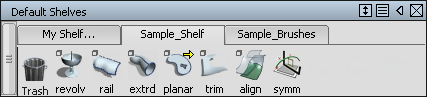
This symbol also indicates a submenu, but is used over tool icons in the palette and shelf. Click and hold on icons that have this symbol to open a cascading list. |