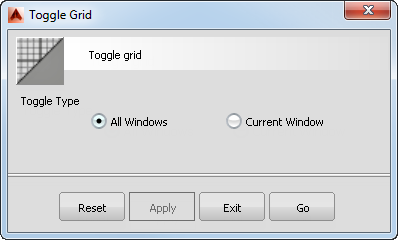
Option windows let you change settings of the associated tool. They cannot stay open while you continue to work.
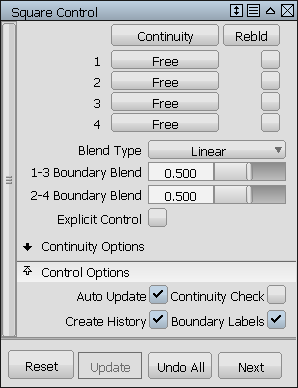
Control windows and Editors are persistent and can remain open while you work, allowing you to adjust values and/or switch settings.
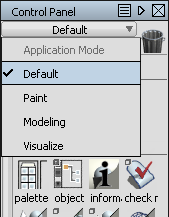
The Control Panel exposes common functionality for different tasks. Open the panel from Windows Control Panel in the menu bar or from the marking menus.
To switch the Control Panel mode, click on the pull-down button at the top of the panel.
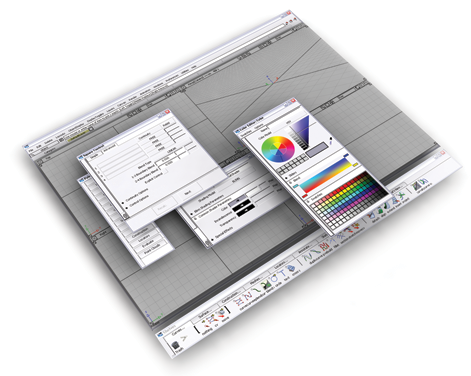
(Windows only) If you have several Control Windows and Editors open at one time, you may want to quickly toggle them all on and off. Use Ctrl + Space.