|
The Revolve tool creates a surface of revolution from one or more curves. The center of the revolve is either the global x,y,z axes, or the object's local pivot point. 
|
|||

|

|

|

|
Standard revolved shapes can be found on the Surfaces > Primitives menu. They are multi-span surfaces, and the cone and cylinder are grouped surfaces. |
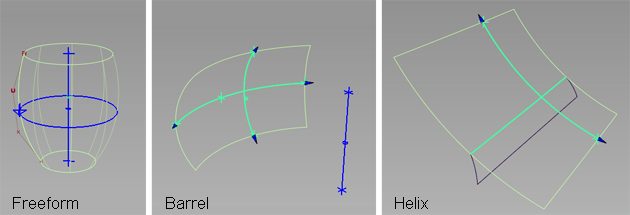
The Revolve tool can also create two different types of revolution surfaces, useful for building vehicle side windows. Barrel surfaces take five points as input. Helix surfaces take a curve and two points, and provide an additional option to create spiral shapes.