The Surface Continuity tool checks the boundary between two surfaces and creates a Locator to display the G0, G1 and G2 accuracy. A Locator is a special entity used to check and display information, and it has its own Pick and Delete tools. (Other locators can be found on the Locators palette.)
There are three ways to select the display options for Surface Continuity:
-
Double-click on the icon to open the option window before selecting the edge.
-
Use Windows
 InformationInformation Window to display and modify the settings after selecting the edge, when the locator is selected.
 -
Use the mouse buttons to interactively adjust the settings as described in the prompt line, shown below:


Click on the join between two surface patches. The locator is shown.
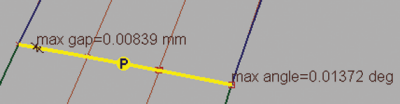


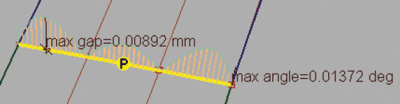
A single click with the middle mouse button shows the comb; clicking and dragging adjusts the sampling.

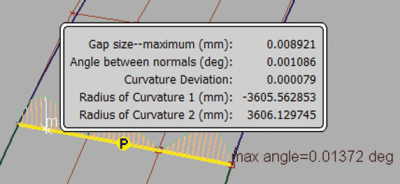
For detailed information at a particular location, use the right mouse button.

Use DeleteLocators to remove the locator.