The New Edit Point Curve tool is the most common way to start a curve. Simply click a start and end point on the screen to create a single-span (Bezier) curve.
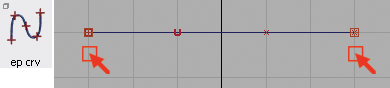
To create a symmetrical curve for example, use Grid snap to place the ends equally across the center-line. Open the option window to select degree (order) of the curve.
Use Object Edit Symmetric Modeling to establish a symmetric constraint on the selected curves. The plane of symmetry from the layer the curve(s) belong to is used. Moving a control point (CV, edit point, or blend point) on one side of the plane will then cause the symmetrical control point to update to maintain symmetry.
Modify the Degree in the Control Panel to change the number of CVs. Keep Spans set to 1 for a Bezier curve.
