The option window can be re-opened at any time and the options modified, for example, to change the Continuity from G1 Tangent to G2 Curvature. Use the Object Edit Query Edit tool, click on the input surface with the left mouse button and the option window re-opens. Changes made now affect the input surface.


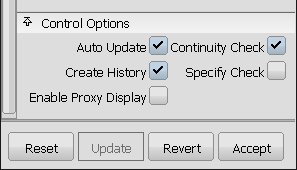
To update the surface, choose the Auto Update option, or click on the Update button at the bottom of the option window.
To undo an alignment, click on the Revert button at the bottom of the Align Options window