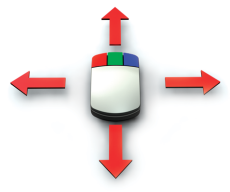
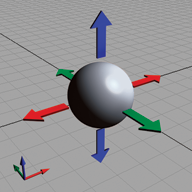
In the Perspective Window, the mouse buttons correspond to the world space coordinates (X,Y,Z) to allow free movement in all axes. When moving, the left button constrains to X, middle to Y, and right to Z. For rotation, the buttons rotate around each axis. The Scale tool scales your objects uniformly using any mouse button.
The Perspective Window can be used exclusively in a one window workflow. Select any of the ViewCube's 26 preset views (faces, corners and edges). These presets behave like the orthographic windows and thus have the same Move and Scale constraints using the middle and right mouse buttons.
