Alias offers very powerful visual aid tools to evaluate surface quality or surface continuity that can be used while in the modeling tools (for example, while in a tool such as Rail, Continuity Check can be toggled on/off).
Surface Continuity Evaluation
(Evaluate ContinuitySurface Continuity)
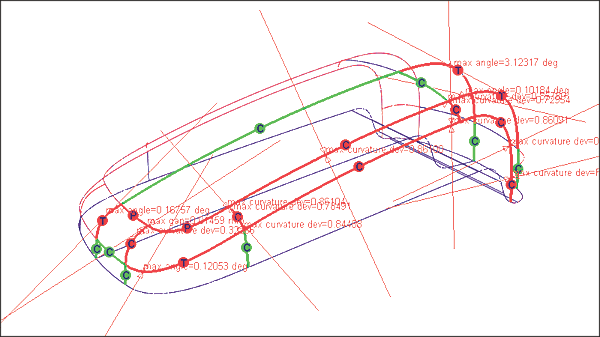
Checks the positional, tangent plane, and curvature continuity between and inside surfaces.
If the tool is set to curvature:curvature continuous edges are displayed in green with a C symbol; noncurvature continuous but tangent continuous edges display in red with a C symbol, non-tangent continuous but position continuous edges display in red with a T symbol, and non-positional continuous edges display in red with a P symbol.
Diagnostic Shade
The different tools for visual evaluation are conveniently placed in the Diagnostic Shade window (ObjectDisplayDiagnostic Shading). The options for the selected tool are displayed below the tools by expanding the white arrow. The quality of the shading can be refined via the tolerance parameter.
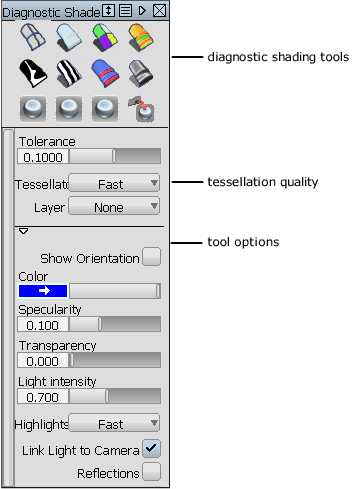
These diagnostic shading tools can be selected in the Diagnostic Shade window (ObjectDisplayDiagnostic Shading).
Multi Color
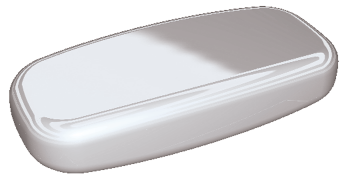
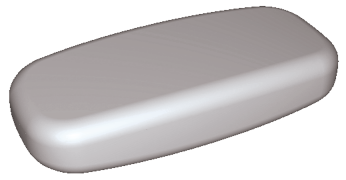
Each surface can have its own color defined. A Reflection option increases its usefulness for evaluation purposes.
Random color
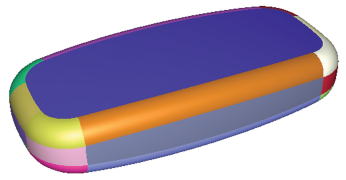
Assigns random colors temporarily. Helps evaluate patch layout of a model.
Horizontal/vertical stripes
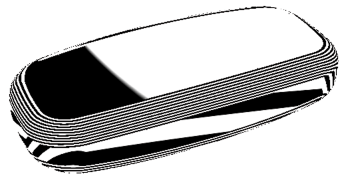
Displays zebra stripes that help evaluate surface highlights and transitions
Draft angle evaluation
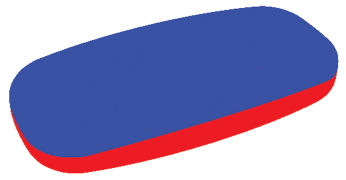
Helps evaluate models for molding purposes. Requires that surface normals be set correctly to provide useful results.
Shade-sky
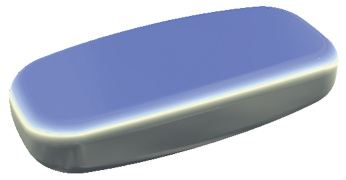
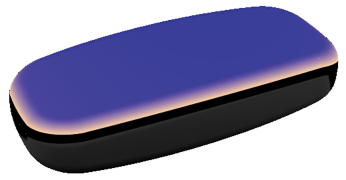
Also Double-Horizon or User-Defined texture. Assign reflective maps to evaluate highlights and flaws.
Hidden line display
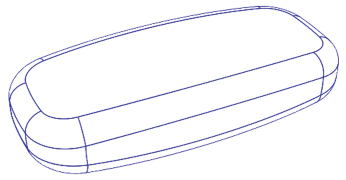
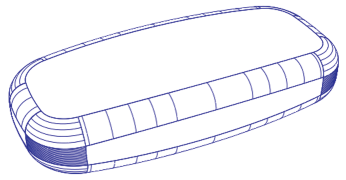
Although not strictly an evaluation tool, Window DisplayHidden Line is a usefufl modeling and evaluation aid.
Iso-angle
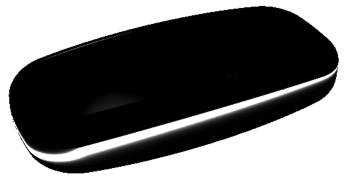
This lets you visually evaluate continuity across surface boundaries. You can also use this tool to create iso-angle curves-on-surface. (Not available in all products.)
Curvature evaluation
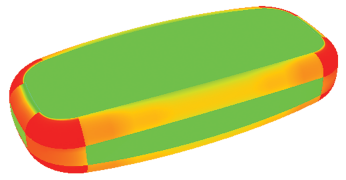
Shows a map that relates the curvature to a color. You can scale the radius ramp to show finer details of curvature variation. (Not available in all products.)