Interactive shading uses your computer's graphics card to draw surfaces. There are two types of interactive shading: Hardware Shade and Diagnostic Shade. Either can be used to help visualize your model, but each provides different functionality.
Wireframe Display
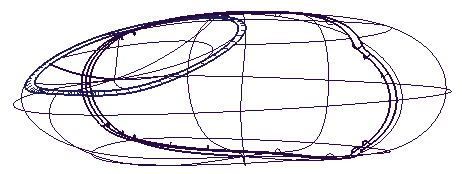
The wireframe provides valuable visual feedback on your geometry, but does not help you visualize what the surfaces look like.
Diagnostic Shading
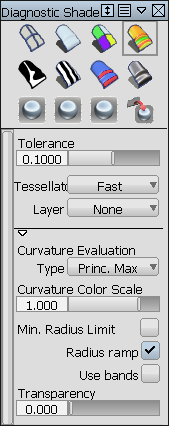
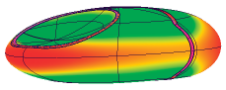
Diagnostic Shading, located in ObjectDisplay from the menu bar, is a fast method of shading your surfaces. The controls are simple, allowing your whole model, or specific target surfaces, to be automatically shaded. As the name implies, the tool is designed to allow fast diagnostic visualization of your surfaces to support your modeling workflow.
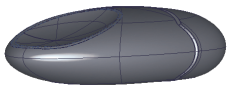 |
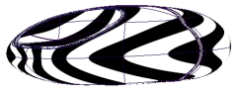 |
 |
|
Multi Color or Random Color can be applied to your surfaces. |
Evaluate the flow of highlights with stripes or reflection maps. |
Some products provide advanced diagnostics, such as Curvature and Contact Analysis. |
Hardware Shade
Hardware Shade is a completely different method from Diagnostic Shading. Hardware Shade requires Shaders to represent different materials and lights to illuminate your scene. You can achieve more realism with this type of shading. Access this tool from WindowDisplay Hardware Shade, from your marking menus, or from the Control Panel's Visualization mode.
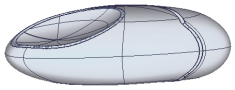 |
The first time you use Hardware Shade in a scene, a default shader is applied and a pair of default lights is automatically created. |
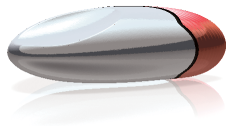 |
Hardware Shade is adjustable, allowing you to have settings for fast performance or high quality display. High quality features include interactive reflection of environment maps, surface characteristics (such as highlights, texture maps, bump textures, and so on) and options to see ground plane shadows and reflection. |