Control points are magenta cubes associated with features you create using the sketching tools. Use control points to change the shape of a building footprint, alter the course of a roadway, or modify the boundary of a pond.
| Feature | Description | Visual |
|---|---|---|
|
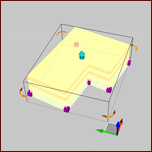
Buildings |
Control points appear at each corner along the perimeter of the building footprint. |
|
|
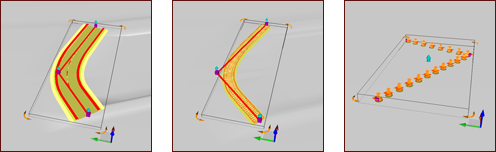
Roads / Railways / City Furniture |
Features that use paths display their control points at the ends and corners. |
|
|
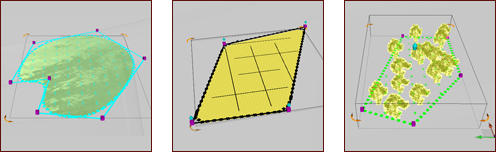
Water Areas / Coverages / Tree Groups |
Features that are defined by boundaries have control points at each corner. |
|
|
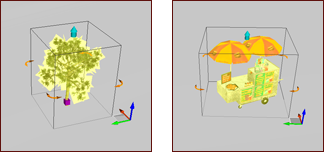
Individual Trees / City Furniture |
Individually sketched features like a single tree or piece of city furniture have a control point at their base. |
|