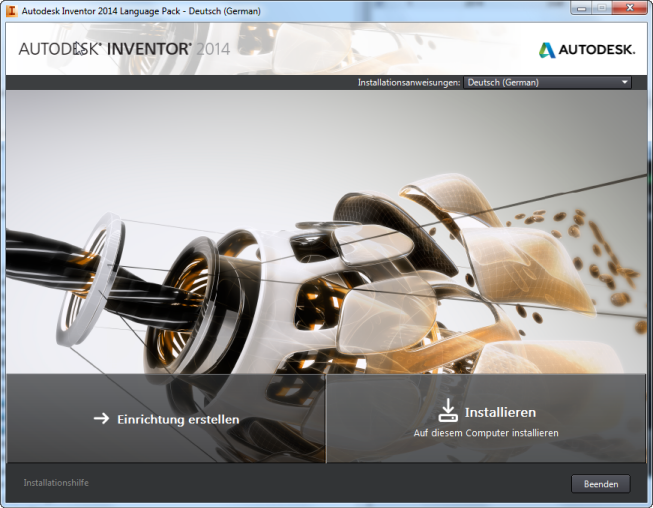
Depending on the Autodesk product, language packs can be provided on the product media, or downloaded from a specified website. Each language pack includes an installer that can either install the language pack in the local product directory, or create a deployment for distributing the language pack to multiple users.
Language pack installer screen
Each language pack creates a shortcut in the Start menu with the language appended to the product name.
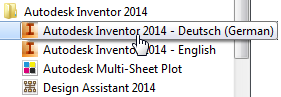
Language-specific Start menu shortcut
You can click this shortcut to start the product in the specified language. You can also drag this shortcut onto the desktop to create a desktop icon.
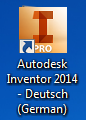
Language-specific desktop icon