Create an Intent model using the default Intent template
- Create a drawing using any standard method (application menu, quick access toolbar, or command line).
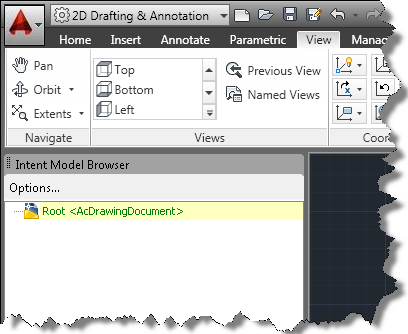
- In the Select template dialog box, select Intent.dwt (or IntentISO.dwt), and click Open. The root part displays in the Intent Model Browser. The default root design is AcDrawingDocument.
Change the Root Design for an Intent model
- In the Intent Model browser, right-click the root part, and select Change Root Design.
- Select a root design - either the system design AcDrawingDocument, or any instantiable user design that mixes in AcDrawingDocument.
Create an Intent model without an Intent template
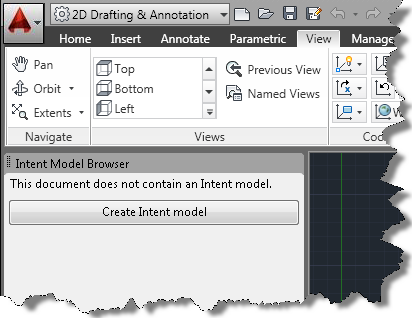
- With a non-Intent drawing file open, in the Intent model browser, click Create Intent Model.
- Select the AcDrawingDocument system design, or any instantiable user design, and then click Set root design.
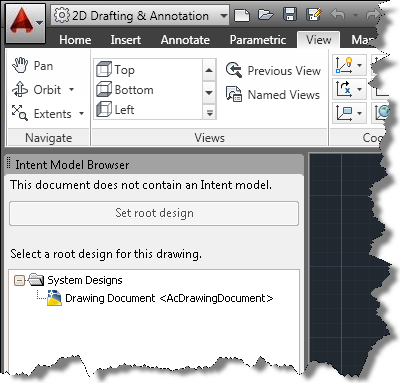
To specify another root design, see Change the Root Design.
Create an Intent file template
- Save any .dwg file as a template (.dwt) file.
The Intent data is saved in the template, with a custom root design and rule set.
Note: To create your own templates with different root designs, set the root design in an Intent drawing, and save it as a template (dwt).