- Open Design Editor (HINT_DESIGNEDITOR).
- In the Intent Design Editor dialog box, in the User Designs folder, right-click a design and select New.
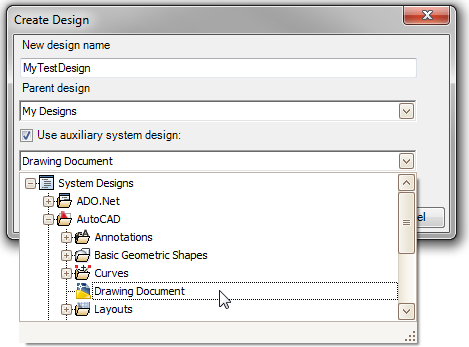
- In the Create Design dialog box, name your design.
or
Select a parent design from the drop-down list.
- Select the check box for Use Auxiliary System Design, and select Drawing Document to mix in the AcDrawingDocument design.
- Click OK.
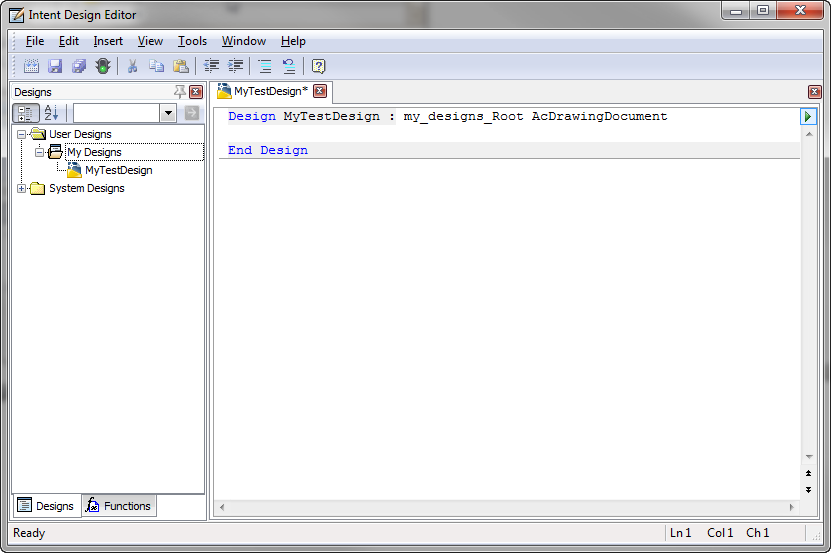
- In Intent Design Editor, the new design displays in the Designs pane, and the Design Editor source code window.