Foreground effects change the foreground of the image when rendered, and include fog and snow effects. None of these effects are available as an interactive preview and can only be seen when a full render is done.
Adding foreground effects is similar to adding background effects. Double-click an effect in the palette to open the Foreground Editor. Each editor will be different for each foreground type. The Fog editor is shown here:
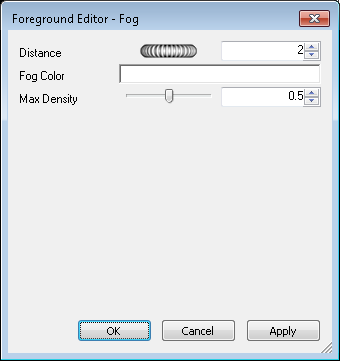
Note: If the Presenter profile in the Options Editor (see Presenter Page for more information) is set to Advanced, the dialog box will include the full list of parameters and allow you to change the type of foreground.
At any time, click Apply to apply the parameter edits to the scene.
You can save an edited foreground for use in other scenes by dragging it into the Foregrounds folder inside the My Effects user archive.