Results are available in the form of predefined analysis reports on the Autodesk® 360 Structural Analysis website. You can view them in the HTML or PDF format. You can also download and save them locally.
To view a report from the website
- Select the model.
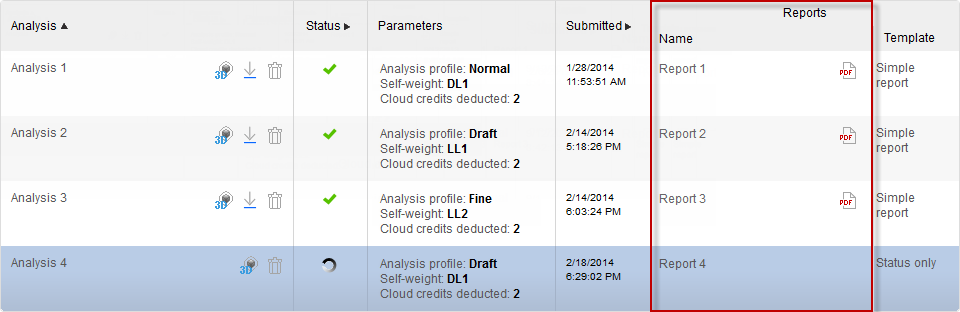
The Model page opens and displays all performed analyses in your model.
- Locate the row that contains the selected analysis, and then click the report link (for an HTML format) or click the PDF icon.
To view a report from Revit
- On the system taskbar, click
 (Structural Analysis for Revit) icon.
 - Click Click for all messages to view the list of all messages.
The most recent message displays at the top.
- Select the analysis, and then click the completed link.
The report opens on the website in the HTML format.