Design roads in Roadway Design for InfraWorks 360 enable precise control over geometry, gradients and cross-slopes. Design roads are 3D and in context of the real world. When working with design roads, you edit the horizontal and vertical geometry separately.
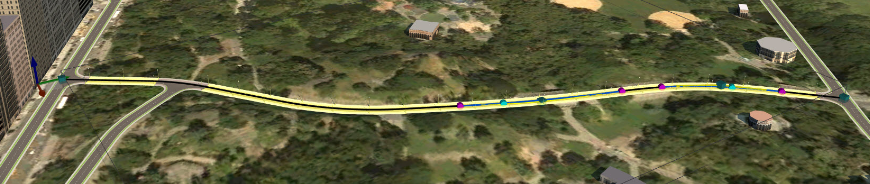
For an overview of working with design roads, see Roadway Design (Video Playlist).
You can optimise design roads for earthwork and construction cost efficiency using Corridor Optimisation (preview) and Profile Optimisation. To add a design road that has an optimised horizontal path, display the Corridor Optimisation panel while you plan the road's rough path. The Corridor Optimisation job then generates the design road. For more information, see To optimise a design road corridor.
Roads from Model Builder and Other Applications
Design roads can be viewed but not edited by InfraWorks 360 users who don't have Roadway Design.
Roads you import into InfraWorks 360 from other applications are planning roads.
Roads created by Model Builder are planning roads.