- On the Features tool palette, click
 (Cope).
 - Select the beam to modify at the referenced end.
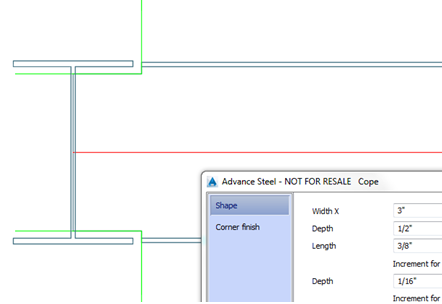
The cope is created and the properties dialog appears.
Modify the cope to conform to specific requirements. For example, enter the cope width and depth on the Shape tab.