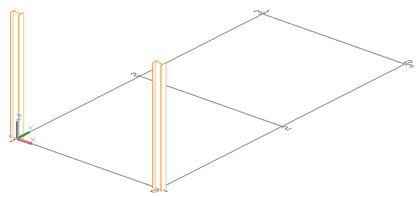
- Click a suitable UCS. Refer to the above figure as an example.
- On the ribbon, click
 .
. -
Home
 Objects
-
Objects
Beams
-
Home
- Select a starting point at 0,0,0.
- Move the mouse pointer in the Y-direction (the setting ORTHO causes an exact orientation entry) and enter 12' 5".
The Beam dialog appears.
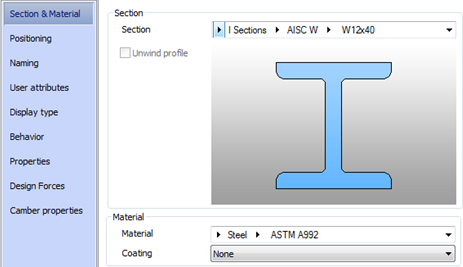
- Select the section class (AISC W), followed by the section (W 12x40).