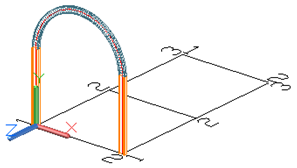
- Place the UCS in a suitable position. Refer to the above figure as an example.
- On the ribbon, click
 (Curved beam).
 - Home
 Objects
(Curved beam)
Objects
(Curved beam)
- Home
- Use the upper system line end points of the columns as the start point and end point.
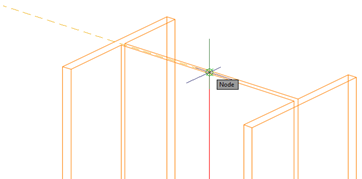
- Define the radius of the curved beam with a circle point. Important: The circle point must be defined in the X/Y-plane of the coordinate system.
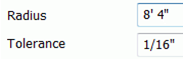
- Select a point at any radius and then specify the desired radius on the Positioning tab in the dialog.