The remnants options all the user to setup conditions on the automatic saving of remnants. To enable the use of remnants you must first have "Sheet management" enabled on your dongle, and also you must have our software set to use remnants by checking the appropriate box in General Nesting. For more information on General nesting see here, or to enquire about sheet management please contact us on:
Tel: + 44 1253 792112
Fax:+ 44 1253 792169
To access the Database:
Click on FileSetupDatabaseManufacturing or select the Database icon from the Utility Bar.
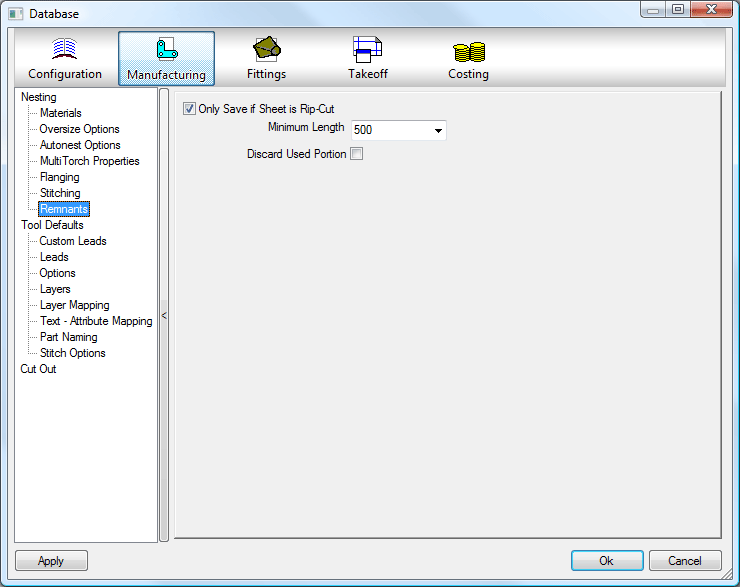
- To only save a sheet as a remnant if it is ripcut, select the checkbox. This means that for the sheet to be retained "rip cut" has to be enabled. A value can then be typed in, in order to specify the minimum remnant length. More information on rip-cutting can be found here.
- The Discard Used Portion tick box will, when checked, delete the section of sheet that has been used to cut parts out of, i.e. any material behind the rip cut will be discarded by the program as scrap.
- The idea of this feature is to stop very small and practically unusable sections of sheet being stored as a remnant and taking up space.