Editing a Multi service line
- Open the required model for co-ordination, including the Multi Service Line.
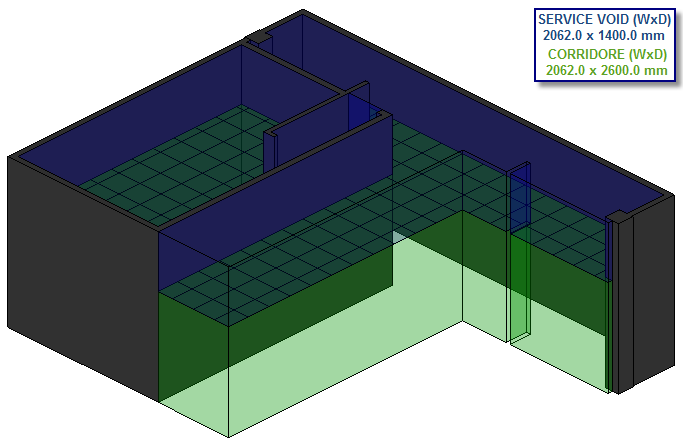
- Create a Multi Service Line.
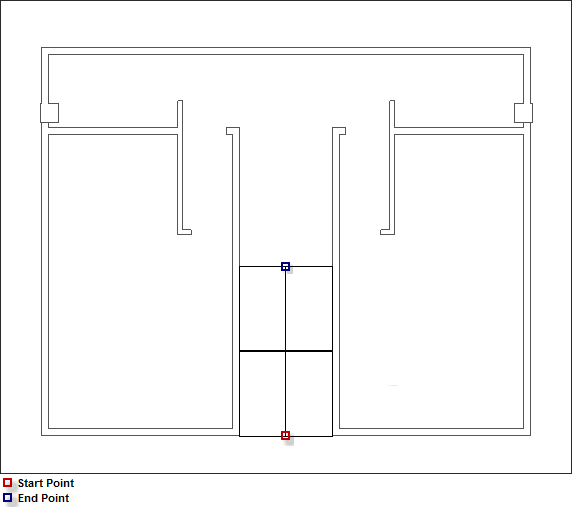
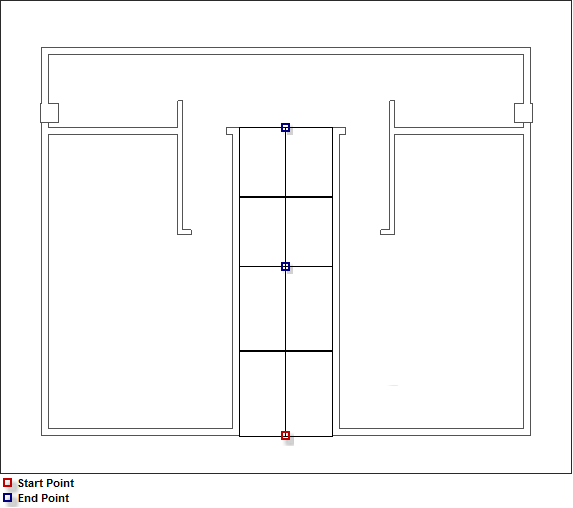
- Select a Start / End point. At this stage do not right click, to finalise the command.
- Move the cursor to the Multi service line Options / Value dialog previously configured.
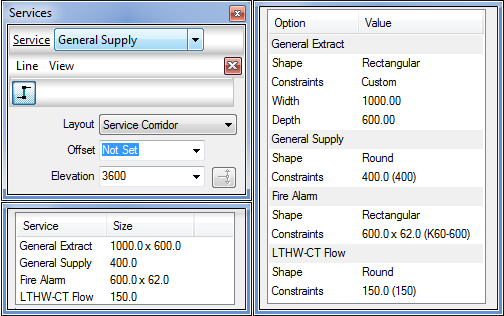
- To amend a Service select the appropriate field then edit as required, See below:
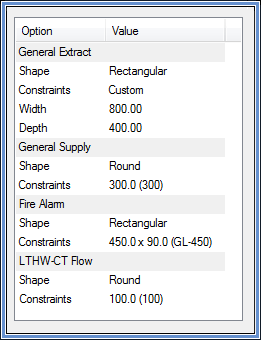
- Proceed with co-ordinating the Multi service line, to finish select an end point, right click to finalise the command.
- Select within the View menu Fill

, the items for each individual service will be applied to the multi service line.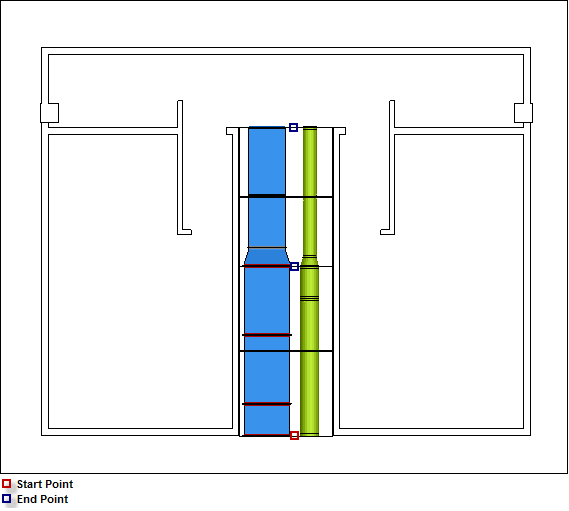
As illustrated above, the start point and first end point have filled the appropriate items with the original settings in step 4. Between the first end point to the second end point it has utilised the edited settings configured in step 5.