Creating a Multi service line
- Open the required model for co-ordination.
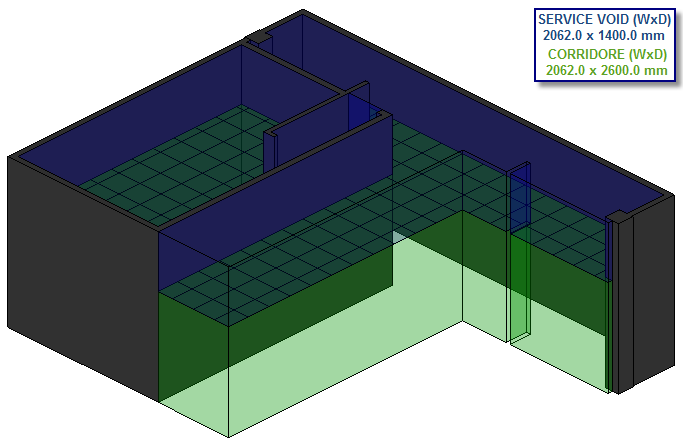
- Orientate the model to a
 Plan Elevation.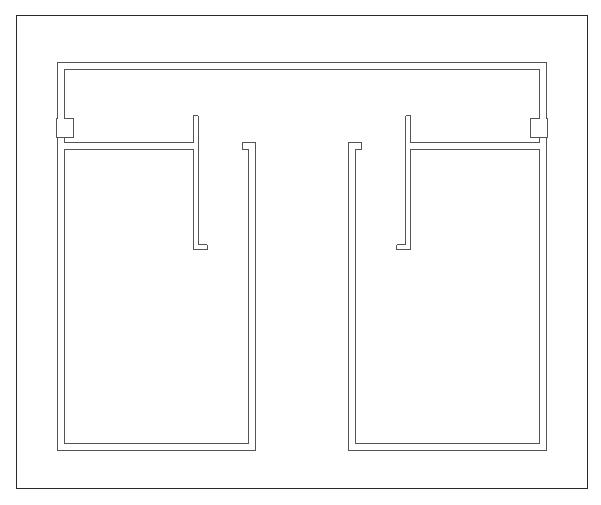
- Click
 Multi service line. See Multi Service Line - Toolbar/Commands.
 - Configure as illustrated below:
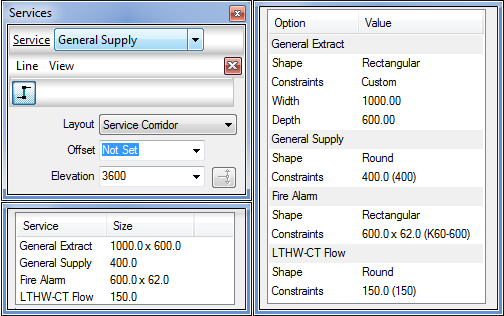
- Select within the Line menu, Create

- Click within the model the appropriate start and end location, Right click to finalise the command.
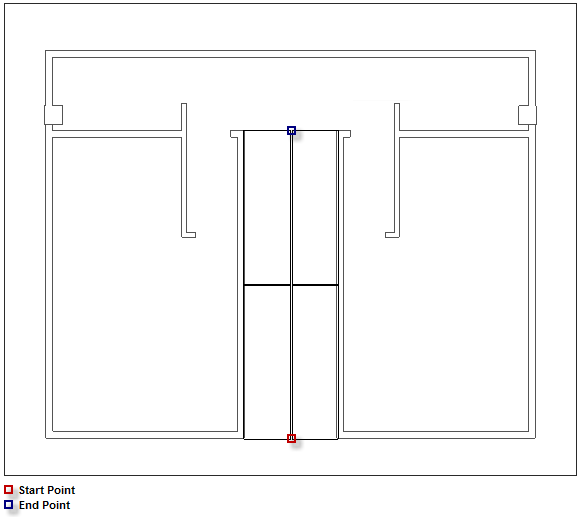
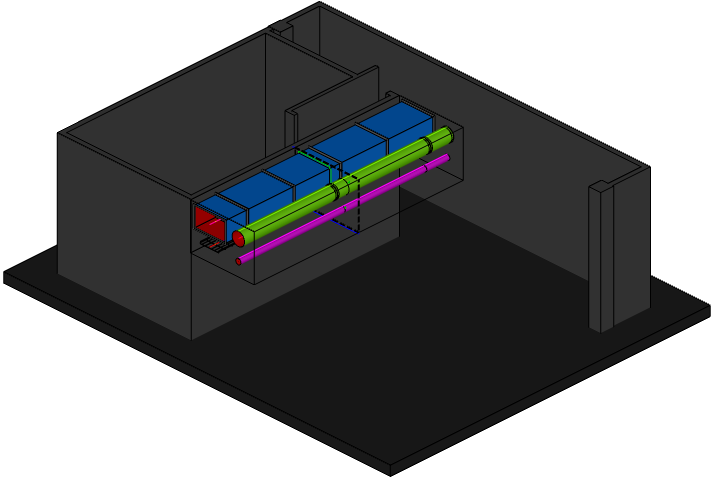
- As illustrated below, the multi service line is now ready to Fill in 3D which will populate the services.
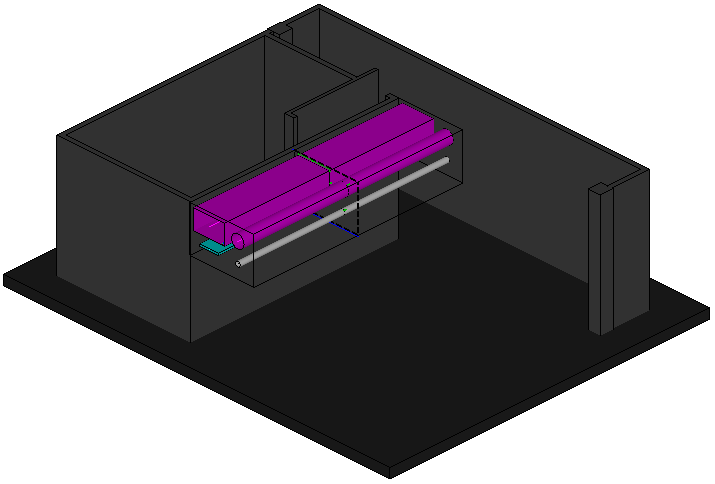
- Select within the View menu Fill
 , the items for each individual service will be applied.