Exporting a Frame Layout
- Click
 Frame Layout.
 - Select from the Edit drop down menu the required Frame Layout.
- Type, EXPORT FRAME or alternatively EF.
- Export dialog will appear >>
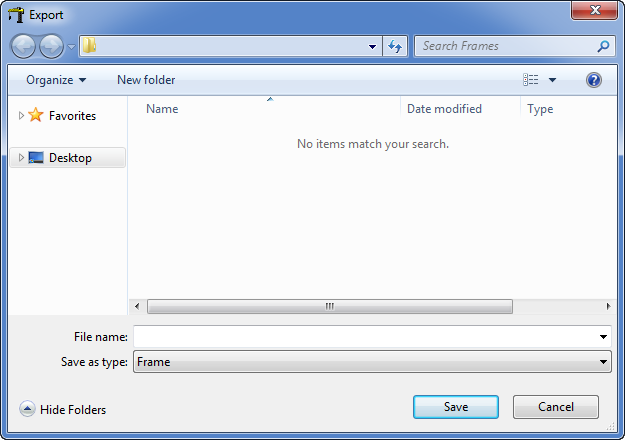
- Name and navigate to the target folder to save the Frame Layout (*.frame) >> Select "Save".
Importing a Frame Layout
- Click Frame Layout.
- Type, IMPORTFRAME or alternatively IF.
- Import dialog will appear >>
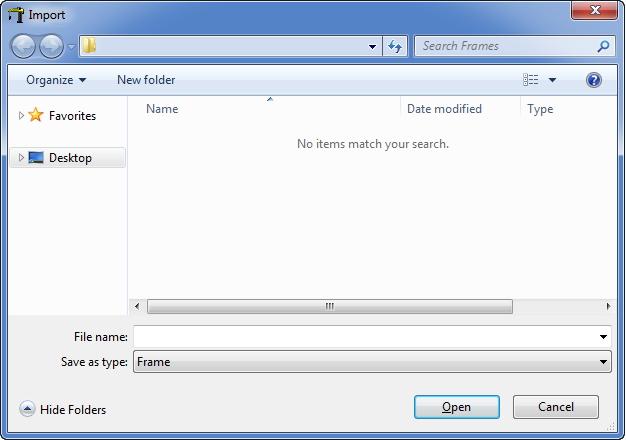
- Navigate to the target folder, select the appropriate Frame Layout (*.frame) >> Select "open", this will be added into the Edit drop down menu.
- Select "OK" to finalise and close the Frame layout command. Utilise the imported Frame Layout with the Multi Service Line command.