|
- Edit Sub Assembly Dialog
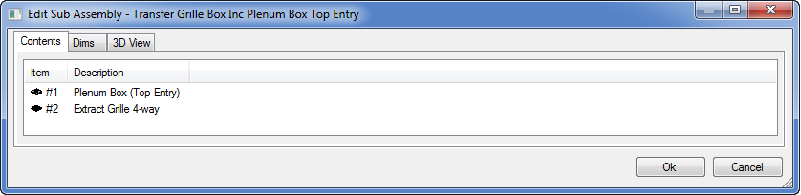
Contents Tab :
Indicates to the user, the items contained within the Sub Assembly. Each item within a Sub assemblies can be modified, edited, individually by a Right Click command on the item >> the functions available are "Edit", "Delete", Properties".
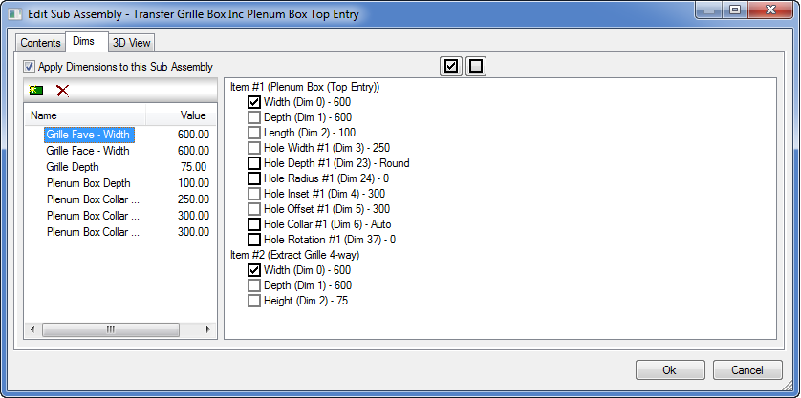
Dimension Tab :
Enables users to customise and link critical dimensions to drive the Sub assembly.
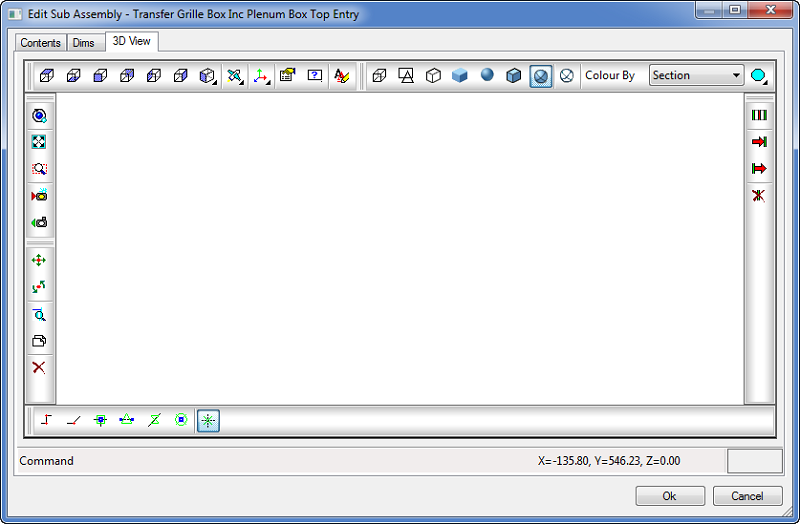
3D View Tab :
Enables the user to amend and visualise the Sub assembly in a 3D environment.
Sub Assembly Tools :
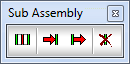
| Command | Abbreviation | Description |
| Getconn | GC | Get Connectivity |
| Setinend | SIE | Set In End |
| Setoutend | SOE | Set Out End |
| Delopenends | DOS | Remove Open End Node(s) |