Users can specify whether to use a Fixed Slope or Fixed Width grading method to determine how a road's roadside cross-slope is graded.
- Select a design road to display its asset card.
- On the asset card, change the edit mode to Roadside Grading.
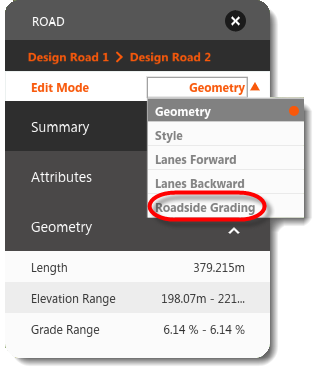
- Toggle Grading Method between Fixed Slope and Fixed Width. The model reflects your choice immediately. Note: With fixed-slope parametric grading, the cut slope and fill slope are fixed up to the grading limit you set on the asset card; slopes that don't reach extant ground are tied in with a near-vertical surface. With fixed width, the grading varies the slope over a fixed distance (based on the road style) with a smooth tie-in to extant ground.