- Click
 to display the layers panel.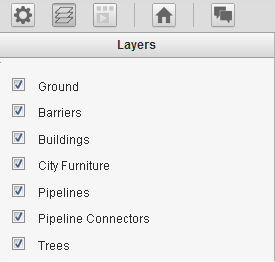
- Select the check boxes for the layers to show in the scenario.
Note: Points of interest are stored on a separate layer so you can turn them on and off. If you are viewing a scenario that contains watermarks, and the scenario allows you to hide or show them, you can do so from the Settings panel.