Are you new to Inventor?
The interactive tutorials included in the product are a great way to get started. This core set of tutorials shows you a complete workflow, from basic sketching to documenting your design. You can access these tutorials from the Learning link on Home, or the Get Started tab, Videos and Tutorials panel on the ribbon.
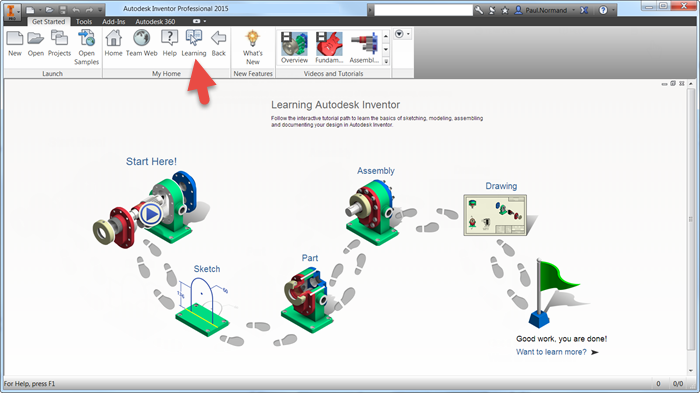
You can download more interactive tutorials at http://www.autodesk.com/inventor-newtutorials-2015.
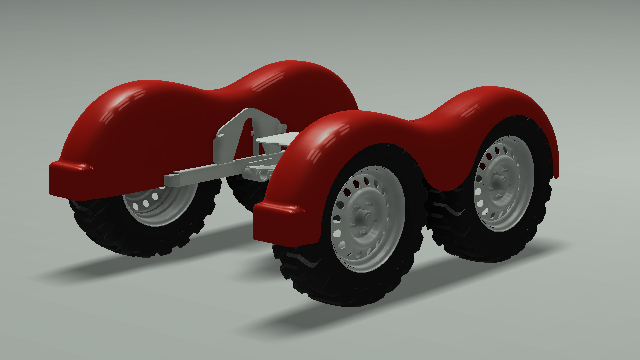
After you download and install an interactive tutorial, you can access them in the Get Started tab, Videos and Tutorials panel. If the Videos and Tutorials panel is not displayed, click the Show Panels drop-down and select Videos and Tutorials.
For further learning, be sure to visit the tutorial topics listed in the help.