Parts Lists
- In the Edit Parts List dialog box, drag the parts list rows to the desired positions to reorder items in the parts list.
- Parts list items and balloons are associative:
- When you remove a row from the parts list, balloon associated with the removed row is automatically deleted.
- When you delete a balloon, the corresponding row is removed from the parts list.
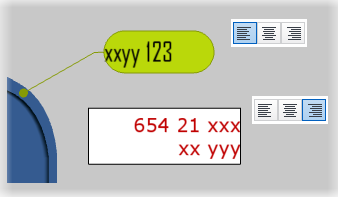
Text Justification
You can align text in callouts and labels to the right, center, or left.