When you drag a file or a set of files of the same format to the Site Explorer in Infrastructure Studio, you get a new load procedure. Load procedures are essentially saved scripts for reloading data. You can use load procedures to automate the updating of resources on the server. They capture the location of the source files, the conversion rules, and where to put the resulting data on the server.
You can execute these conversion rules (either interactively in Infrastructure Studio or through a script) to refresh file-based spatial data on your site. Scripts can be run overnight or at regular intervals to keep the data up-to-date.
Load procedures are themselves stored as resources in the repository. Open them in Infrastructure Studio whenever you need to add or delete files, change the destination, or update any of the other parameters.
The illustration shows two load procedures open in Infrastructure Studio. Both procedures load multiple files at the same time. One loads SDF files, and the other loads raster files.
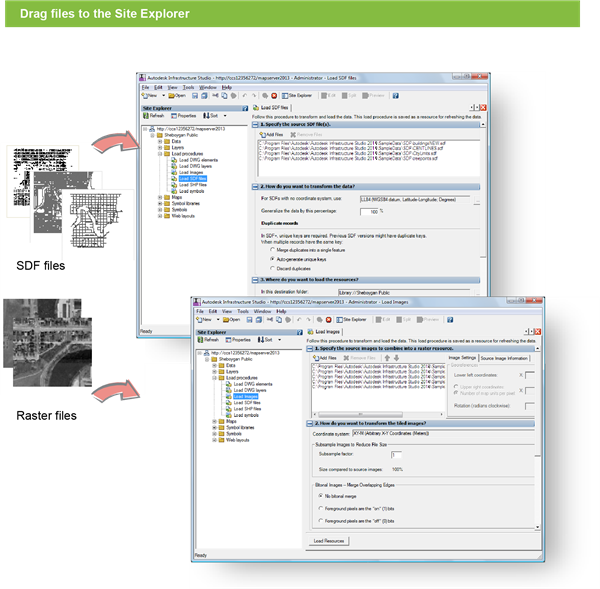
Load procedures for SDF files (top) and raster files (bottom)