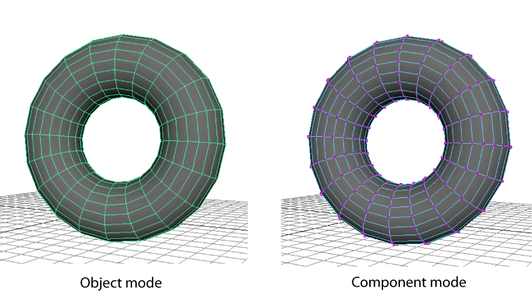
To select objects
- Ensure that Maya is in Object selection mode(hotkey: F8). See Selection modes.
- Pick the Select Tool from the Tool Box and click an object, or
 -click to select multiple objects.
 When you select multiple objects, the last selected object is drawn in a different color from other selected objects. This is known as the key object. Some tools and actions use the key object to determine what to do with the selection. For example, when you transform multiple objects, the transformation uses the key object’s pivot point.
To select components
- Ensure that Maya is in Component selection mode (hotkey: F8). See Selection modes.
 -click an object and select a component type from the pop-up menu that appears. (For example, select Edge to select only edges, or Vertex to select only vertices.) See also Select specific component types.