In this task, you mesh the mold first with triangles, then with tetras.
-
Ensure that all layers are on.
-
Click .
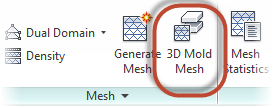
-
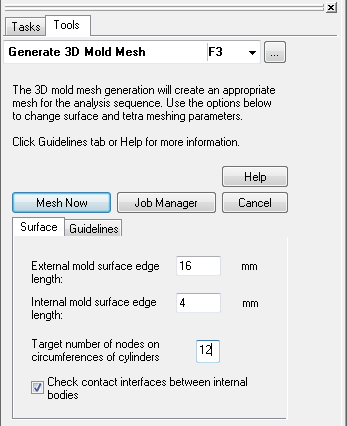
Enter 16 mm for the External mold surface edge length.
-
Enter 4 mm for the Internal mold surface edge length.
-
Enter 12 for the Target number of nodes on circumferences of cylinders.
-
Click Mesh Now.
Meshing take a few minutes.
-
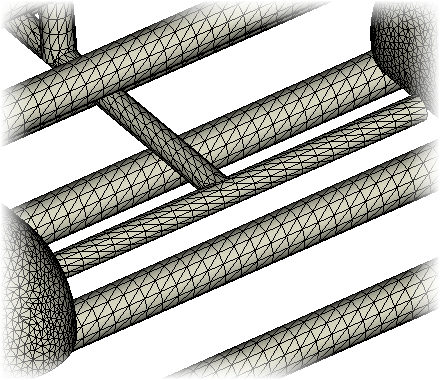
When the meshing is done, uncheck the Mold External Triangles layer.
-
Inspect the mesh covering the cooling lines and part.
-
Click .
-
Click Mesh Now.
Meshing will take several minutes.
-
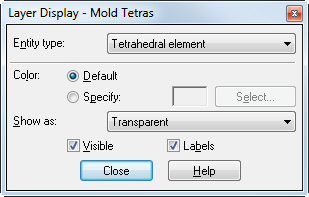
Right click on the Mold Tetras layer and select Display....
-
Set the Show as to Transparent, then click Close.
-
Save the study.