The  (Structural Analysis for Autodesk Revit) icon is located in the bottom right corner of the screen, on the system taskbar. Position the cursor on this icon or click it to display additional information about submitted analyses (see types of notifications below).
Types of notifications
- Balloons display after the analysis is performed to inform about its status: completed or failed. Click the balloon to open an analysis report or error report.
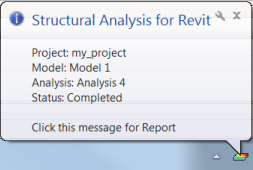
- Short information window. To display it, position the cursor on .

To view the list of all messages, do one of the following:
- Click Analyze
 Structural Analysis
  Messages.
 - Click .
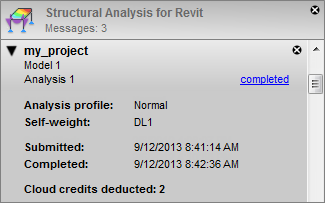
To open the analysis report, click the completed link. Delete a message by clicking  .
.