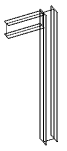
You can display the analytical model in any view.
- Click
 Show Analytical Model on the View Control Bar. It displays the analytical model settings as specified in the Visibility/Graphics Override dialog.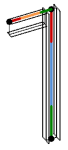
- To hide it, click
 Hide Analytical Model on the View Control Bar.