Once a position is defined, you select a drawing template for it. The Select template dialog is available after right-clicking the Attach document option on the Positions tab in the Object inspector dialog.
The following dialog displays:
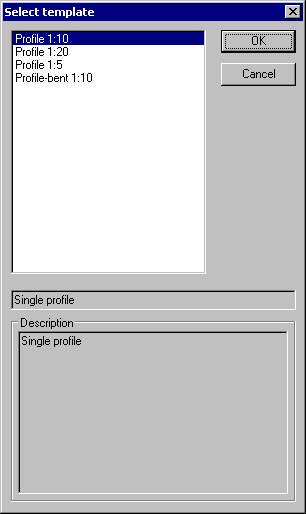
In the dialog, choose a template to be applied for generating a drawing from the list of available (defined) templates. Click OK to assign the template to a selected position.
After selecting the Add to current Printout option (context menu on the Positions tab), a created document is placed in a final drawing (on the Layout tab).