Selection Preview in Nitrous Viewports
When you move the mouse over objects in Nitrous viewports, a yellow outline shows the objects you can click to select. When you've selected an object, a blue outline shows the selection.
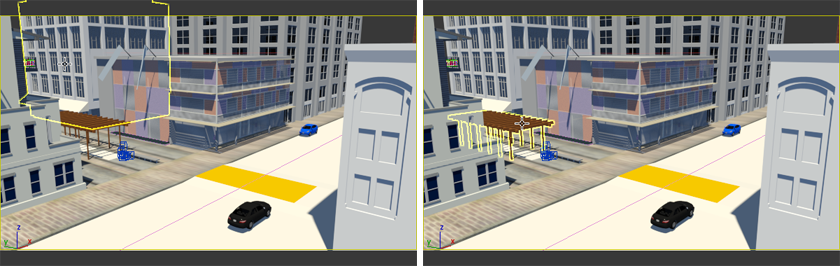
A yellow outline shows objects you can click to select.
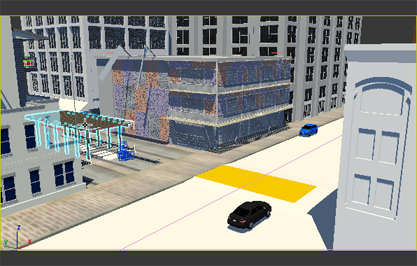
A blue outline shows selected objects.