We are now ready to export the results to our finite element analysis program where we can analyze our model.
- Click .
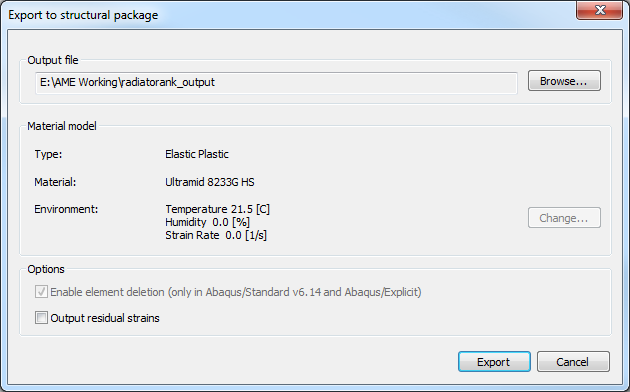
- Click Browse and select the directory where you would like to save the files. Name the file radiatortank_output and click Save.
- Ensure the 21.5 [C] temperature environment is selected and click Export.
- Navigate to the directory where the files were written. You will see two files, radiatortank_output.inp and radiatortank_output.sif. The .inp file is the structural input file that contains the part geometry, mesh, and loads. The .sif file (structural interface file) contains the mapped fiber orientations and the Ramberg-Osgood parameters.
Now we are ready to run our analysis.
- Open a command prompt and navigate to the directory containing the .inp and .sif files (use the Command Shell desktop shortcut to easily open a command prompt).
- Enter the following commands to submit the model for analysis (in this case with ANSYS 15.0)
>>ansys-helius 150 radiatortank_output.inp
Note: The .inp and .sif files must have the same name.