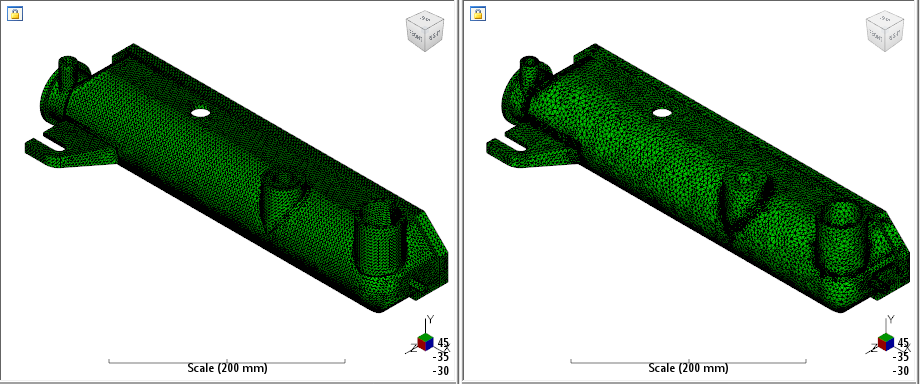
Now that we have setup our structural model with ANSYS, we are ready to use Advanced Material Exchange to map fiber orientations to our structural model.
- With Advanced Material Exchange open, import the structural input file ().
- Locate the radiatortank.inp file and click Open.
- The tank model should now be shown in the import dialog with Millimeters selected as the unit system. Click OK.
- Now import the Moldflow model ().
- Locate the radiatortank.sdy file and click OK.