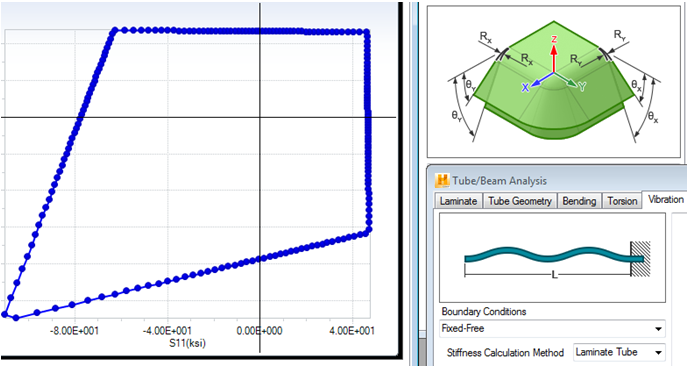
In these short topics we introduce Helius Composite.
Watch the Quick Start Videos
These short videos take you through the basics of Helius Composite.
|
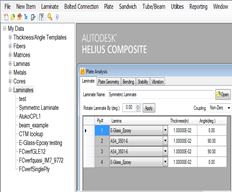
Take a tour through the Helius Composite interface. |
|
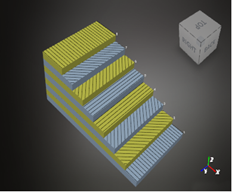
Quickly build your new laminate with this easy to use tool. |
|
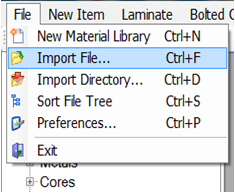
Import materials from previous versions of the software for use in your designs. |
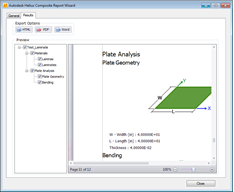
|
Use the Report Wizard to create a new report. |
Apply What You Have Learned
Now that you have explored the basics, it is time to perform your own calculations. The skills and processes learned in the Quick Start section will be applicable to your problems.
As you explore more of Helius Composite, remember to consult the following resources:
- User's Guide (in-depth details for using Helius Composite)
- Tutorials (detailed and thorough problems describing the use of Helius Composite)