- Click Output
 Document Manager
  (BOM editor).
 - Select a Bill of materials (BOM) template or create a new template as necessary.
- Click Use.
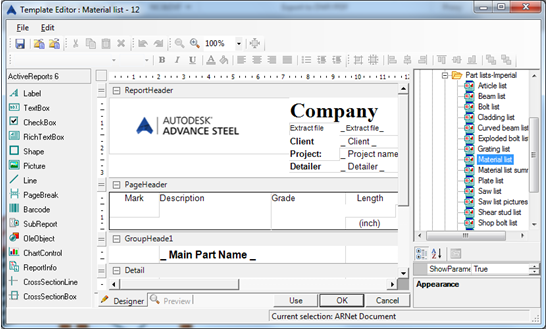
- Select the desired model extract in the next dialog.
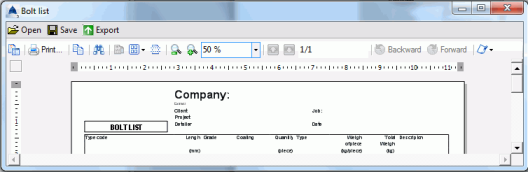
- Click OK to finish the BOM creation.
The structured BOM appears. It can be printed, saved, exported, or sent by e-mail using the corresponding icons on the menu bar.
- Click Export. The Report export dialog appears displaying the export options.
- Select an export format, such as PDF from the list.
- Click OK.
- Save and name the BOM file. The BOM file saves as a report in the folder:
...\[model folder]\[model name]\BOM\[BOMfilename]
Note: These small exercises are a very simple introduction to Advance Steel. With time, your familiarity, speed, and understanding of the power and versatility of Advance Steel will improve as you use the software on real projects.