Section tab
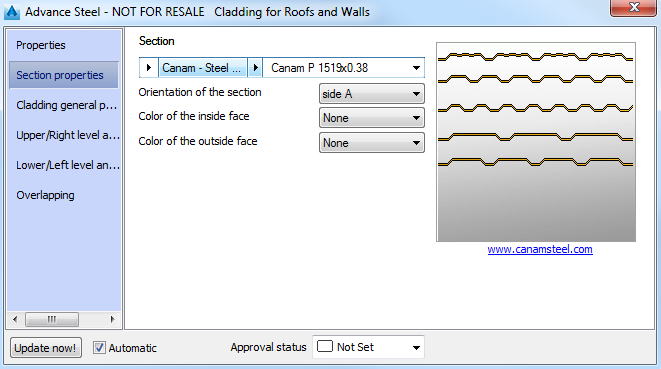
On this tab, the following parameters can be set:
|
Section class |
Select the section type for the cladding profiles |
|
Section |
Select the section size for the cladding profiles |
|
Orientation of the section |
Select the cladding profile orientation. The section is rotated with 180º. |
Cladding general properties tab
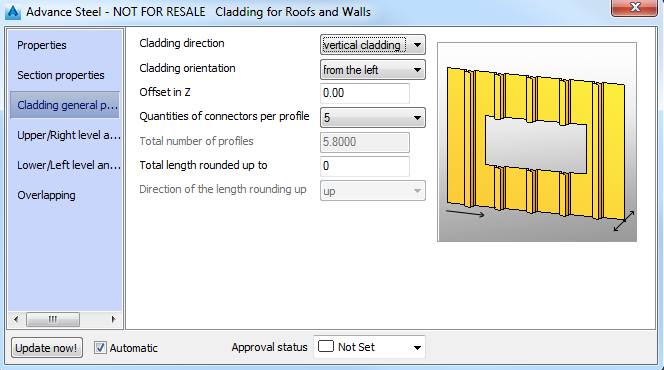
|
Cladding direction |
Defines the cladding direction |
|
Cladding orientation |
Select the cladding orientation. · From the top or from the bottom (for a horizontal cladding) From the left or from the right (for a vertical cladding) |
|
Offset in Z |
Moves the cladding in the Z direction |
|
Quantities of fixations-par profile |
Select the quantity for 1 profile for 1 support beam. Advance Steel calculates the total quantity by multiplying this value by the number of cladding profiles and the number of support beams for the cladding area. |
Level and offset tabs - Upper / Right and Lower / Left
On these tabs, the cladding shape at the upper or lower levels can be set.
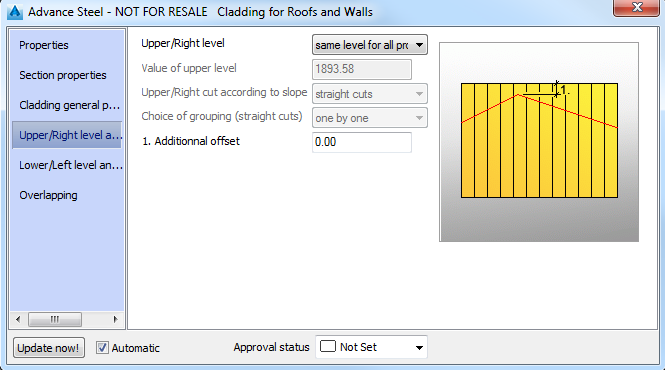
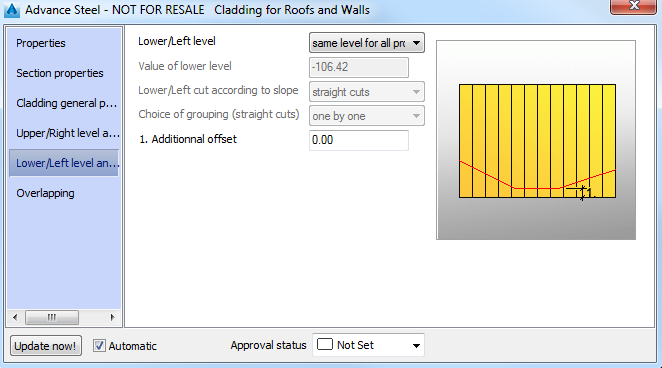
Examples:
| Upper level | Same level for all profiles All the cladding profiles are aligned at the same level Level according to slope The cladding profiles are placed according to the slope. 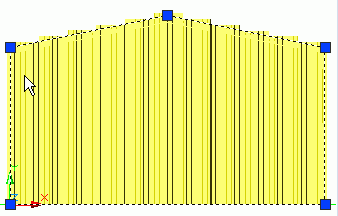 |
| Upper cut according to slope | The cladding profiles can be cut straight or along the slope. 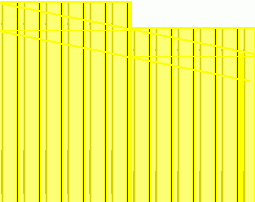 |
| Choice of grouping (only for straight cuts) | Select the number of profiles to be cut straight. |
| 1. Additional offset | The cladding profiles overlap the area. The offset can be positive, negative or equal to zero. |
| Total length rounded up to | Displays the calculated length + the "additional offset" rounded to a total length " rounded up" to the next value. |
Overlapping tab
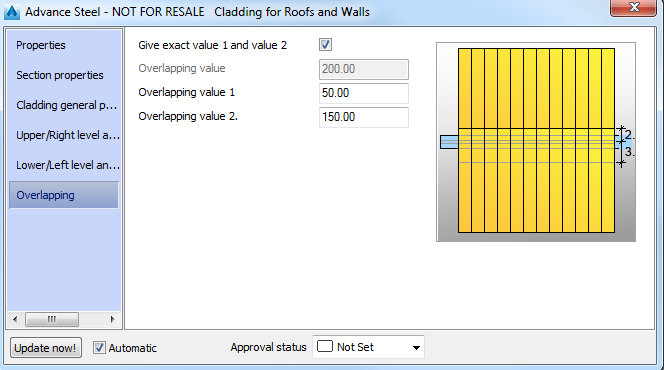
If the cladding profile overlap each other, the overlapping can be set by one or two values. The overlapping values can be positive, negative or equal to zero.