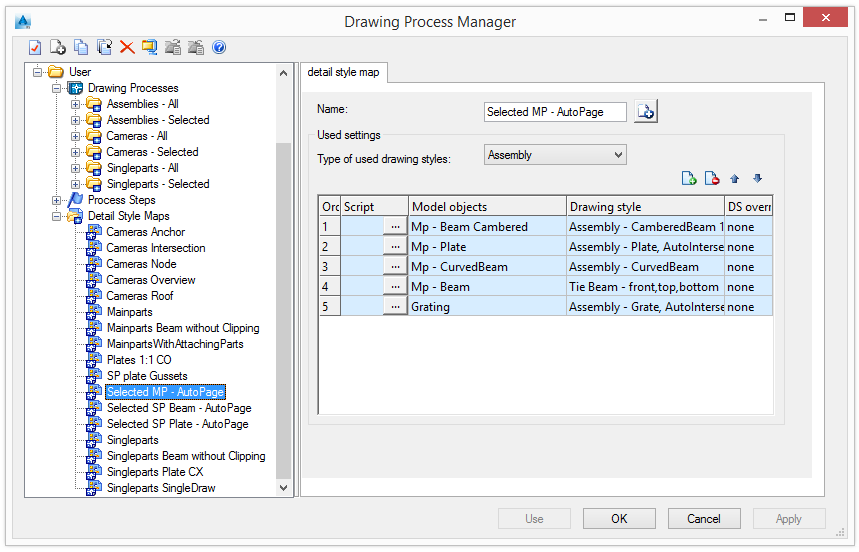
The Drawing Process Manager is used to create new processes and manage, modify, or delete the existing processes.
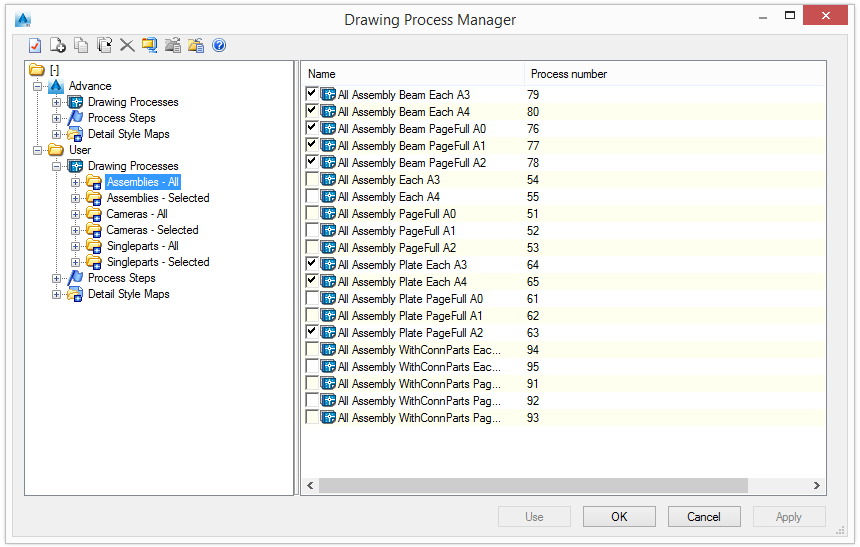
The main dialog box of the Drawing Process Manager displays the prototypes from the Standard, Country AddIn and User categories in a tree structure.
For a selected category, the content is displayed on the right side of the dialog box and on the tree panel.
If a process is selected, the definition of the process is displayed. Modifications can only be made to processes from the User category.
The process steps category enables quick access to the steps definition and configuration. If a process step is selected in the Drawing Process Manager tree, the step definition is displayed on the right side of the window.
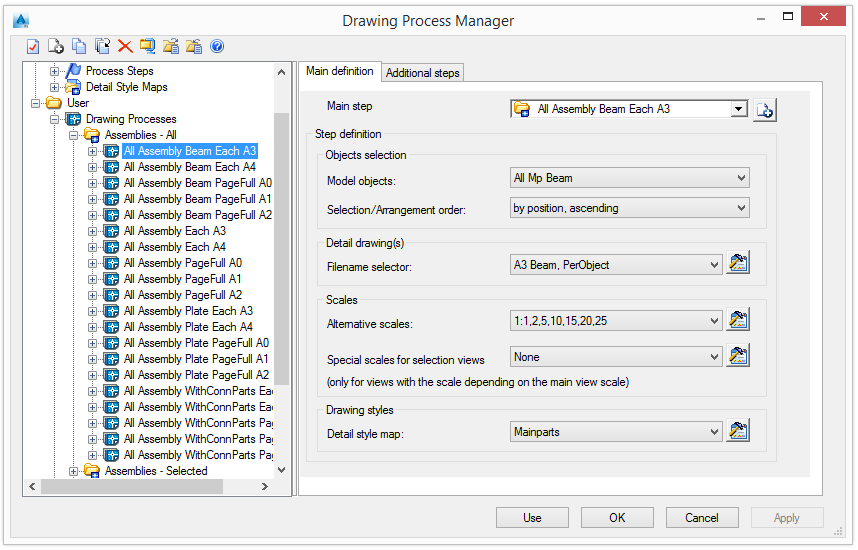
Assignment of an appropriate drawing style for the process to the elements of the 3D model is made using the Detail style map option. This assignment determines the presentation of the model elements on the drawing.
The Detail style map category groups all the detail maps for quick access to the definition and configuration. If a style map is selected in the Drawing Process Manager tree, the definition is displayed on the right side of the window.