Define the state of a drawing that will be issued to production.
Approval status
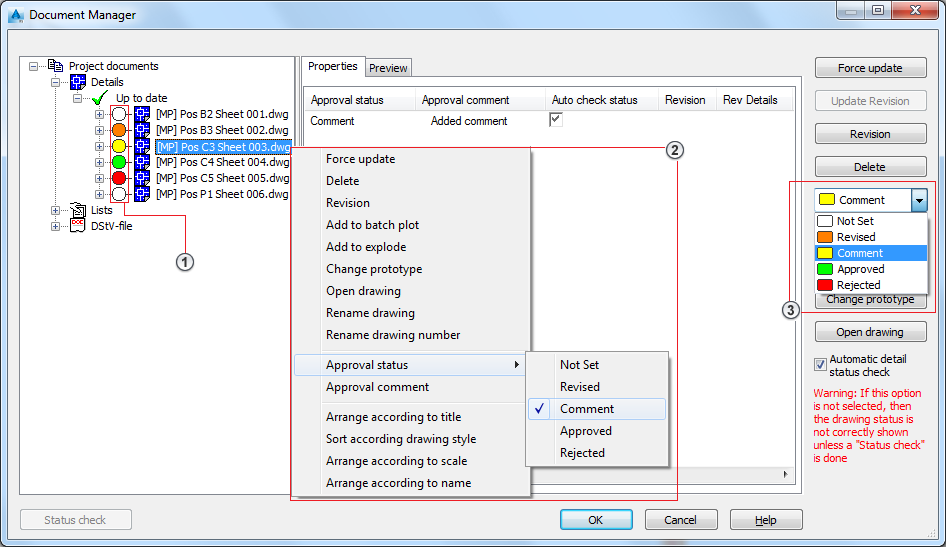
You can set the Drawing Approval Status in three ways:
- By clicking on the bubble in front of the drawing name
 .
. - From the contextual menu
 .
. - From the combo-box
 .
.
Approval comment
The Approval comment is a text box where you can enter specifications for revision or for production.
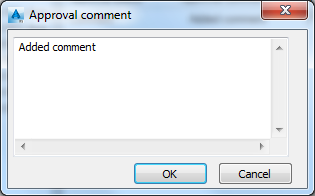
To add a Drawing Comment, choose Approval Comment from the contextual menu:
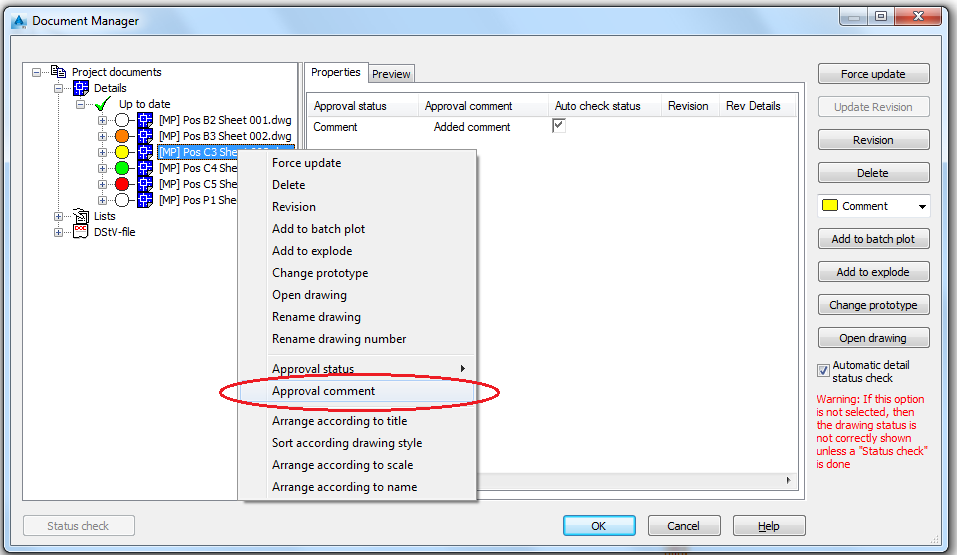
Drawings Approval Status and Comments are displayed in the Properties tab of the dialog, allowing you to sort the drawing list according to approval status or approval comment.