Layout tab
On this tab of the properties dialog box, you can define the fixed points of the list.
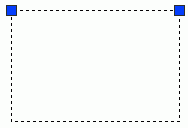
Each checkbox corresponds to a corner of the frame of the list. Selecting two check boxes on a side prevents the list from extending on that side.
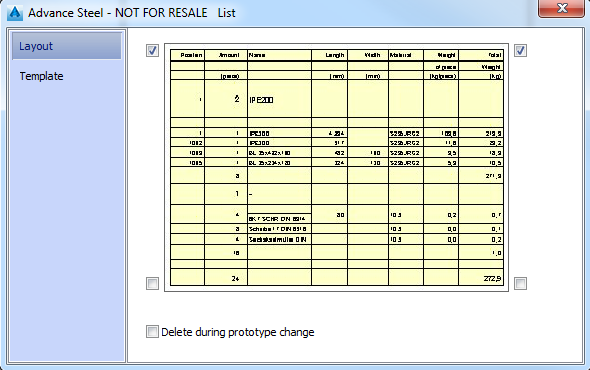
Delete during prototype change
Controls the list behavior during the prototype change. If selected, the list is deleted.
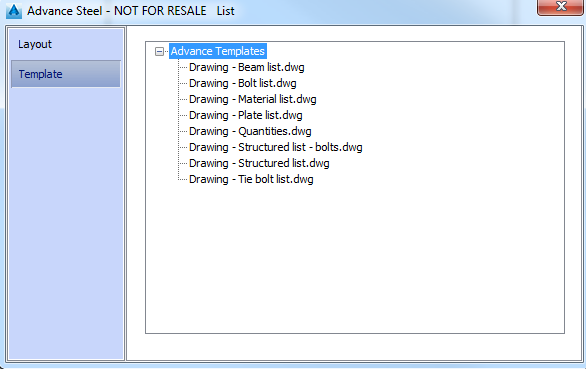
Template tab
This tab lists all available templates. By default, the templates are installed in ..\ProgramData\Autodesk\Advance Steel\2016\Shared\Support\BOMTemplates\.