This tool compares two objects and lists the differences in a window. It is useful to display the differences between two objects with the same part mark.
To access the command
Ribbon: Output > Part marks: 
Command line: _AstM5CommEqualPartsWithoutNum
To display the differences between two objects
-
Output
tab,
Part marks
panel: Click .
- Select two objects.
- The differences are displayed in a window.
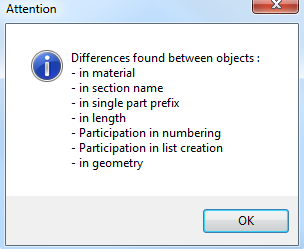
- The differences are displayed in a window.
- Click OK.